
When you’re building a trading desk, you need more screen space. The big question is how to get it. Do you buy one very wide ultrawide monitor, or two standard ones? Both give you more room than a single screen, but they work very differently. This guide looks at the practical side: which setup will help you trade better, fit on your desk, and connect to your computer without hassle.
For day trading, screen space is about getting work done. It lets you keep your charts, trading platform, watchlists, and news all visible. You spend less time switching windows and are less likely to miss something important. A good setup keeps you organized and makes long sessions easier on your eyes. It’s an investment in staying focused.
An ultrawide monitor is one very wide screen, usually 34 or 38 inches. It’s meant to replace two monitors by getting rid of the black bar (the bezel) in the middle.
Pros:
Cons:
This is the traditional choice: two separate monitors, usually 27 or 32 inches each, side by side.
Pros:
Cons:
Your choice depends on how you trade and what you have to work with.
The total screen area is similar. A 34-inch ultrawide gives you about the same width as two 27-inch monitors. The difference is layout. An ultrawide is great for having three or four medium windows open. Dual monitors are best for running two major applications at full size.
Think about your style. Do you like to lock your trading ticket on one screen and have charts on another? If so, dual monitors are perfect. If you prefer one huge, unbroken chart or a panoramic view of data, go with an ultrawide.
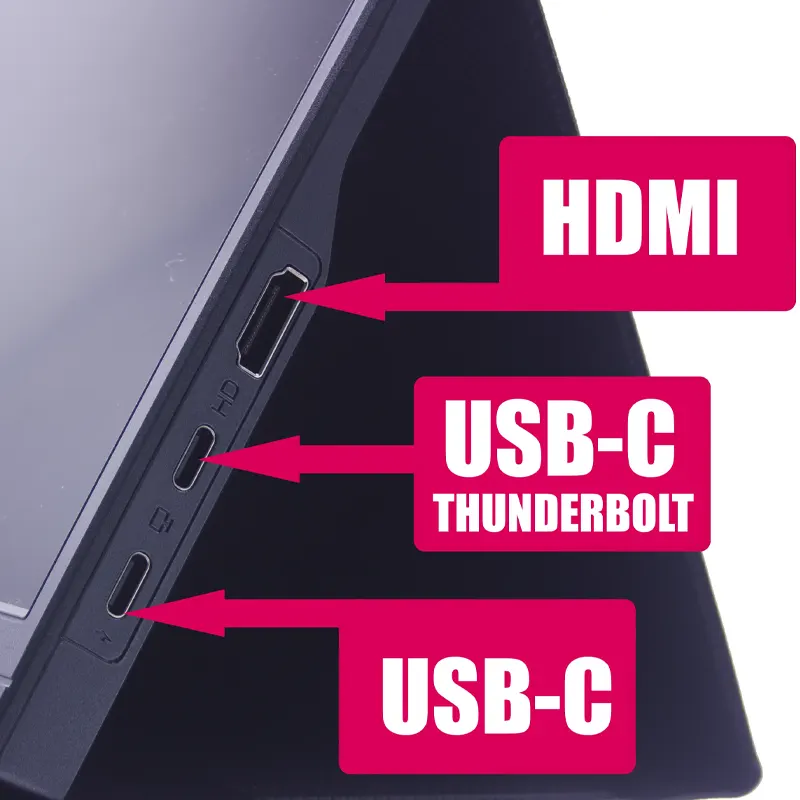
Measure your desk first. A single ultrawide can be more compact, but two monitors on a good arm can also save space. The bigger issue is your computer’s ports. An ultrawide needs one video output. Dual monitors need two. Many laptops only have one HDMI port, so you’d need a docking station or hub for two screens.
Once you pick your path, here’s what to look for.
For Ultrawides: Look for a 34-inch model with 3440×1440 resolution (1440p ultrawide). It gives you sharp detail and plenty of horizontal space. A flat panel is often better for trading to keep chart lines straight. A high refresh rate is nice, but 75Hz or 100Hz is smooth enough.
For Dual Monitors: Buy two identical monitors. This ensures the color, brightness, and size match. Two 27-inch, 1440p IPS panels are the sweet spot for most traders. IPS offers good color and wide viewing angles. For more on sizing, see our guide on Best Monitor Size for Day Trading.
See our screens and monitors.
For Both: Get a matte, anti-glare screen. Glare from lights or windows is a major distraction. Don’t overspend on gaming features you won’t use. Focus on clear image, good ergonomics, and reliability.
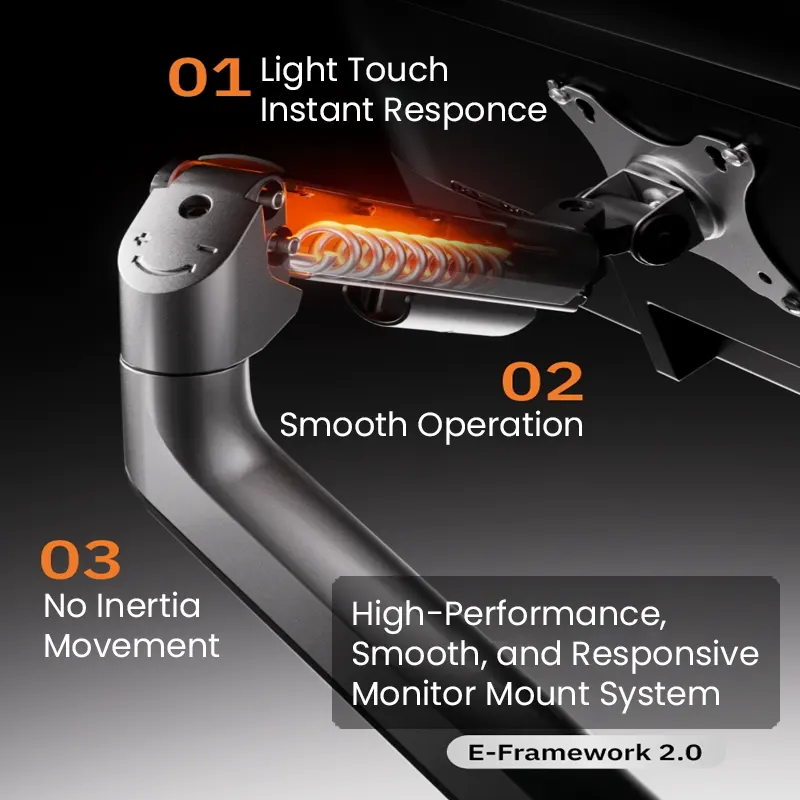
Don’t skip the mount. A good monitor arm makes a huge difference.
Ergonomics matter. Position the monitor so the top is at or just below eye level when you sit up straight. Your main viewing area should be directly in front of you to avoid neck strain. A deep desk (30 inches or more) helps, especially with ultrawides.
Check your computer’s video outputs (HDMI, DisplayPort, USB-C). For a dual 1440p setup, DisplayPort is often more reliable than HDMI for getting the full resolution and refresh rate.

If your laptop is short on ports, a USB-C or Thunderbolt docking station with dual video outputs is the cleanest way to run two monitors. Plan your cable routing from the start. Use clips, velcro straps, or a sleeve on the monitor arm to keep wires tidy. Having the right cables on hand prevents last-minute problems.
Here’s how these setups typically look on a desk.
Ultrawide Setup: A 34-inch flat ultrawide on an arm. Using window snapping, the screen is split into three zones. Left: Trading watchlist and news. Center: Main chart with multiple timeframes. Right: Broker platform for orders.
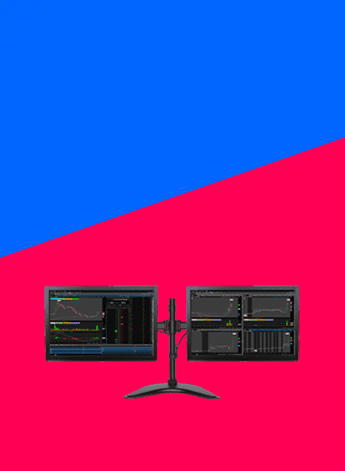
Dual Monitor Setup: Two 27-inch monitors on a dual arm, angled slightly inward. Left monitor: Trading platform with orders and quotes. Right monitor: Charts, often split into four sections. A laptop or tablet for alerts sits to the side.
It’s not better for everyone. It’s different. It’s better if you want a clean desk and hate the bezel gap. Dual monitors are better if you want strict, full-screen separation between apps like your broker and your charts.
Most can, but check the ports. A single ultrawide usually needs one HDMI or DisplayPort. For dual monitors, if your laptop only has one video port, you’ll need a docking station or hub that supports two displays.
Two is the most common and practical number. It separates execution from analysis. Some use three. The massive six-screen walls you see are overkill for most traders.
For monitors 27 inches and larger, yes, it’s recommended. 1080p on a big screen looks pixelated, making text and chart details hard to read. 1440p is much sharper. For more, see our 1440p vs 4K guide.
You can build a solid dual 27-inch 1440p setup for a reasonable price. Monitor costs have come down. Focus on IPS panels with good reviews, not premium brands. Our list of best budget monitors for day traders is a good place to start.
Choosing between an ultrawide and dual monitors comes down to your workflow and space. If you like a clean, simple view and work with wide charts, an ultrawide is great. If you work best with strict, dedicated zones for different tasks, you’ll prefer dual monitors.
Both are a huge upgrade from a single screen. Whichever you choose, get a good mount, pay attention to ergonomics, and manage your cables. Your setup should work for you.
Related Reading: Best Monitor Size for Day Trading: 27 vs 32 vs 34 Inches | Best Multi-Monitor Setup for Day Trading