
Picking a monitor for trading? You’ll likely choose between 1440p and 4K. It’s not just about a sharper picture. It changes how much you can fit on screen, how hard your computer works, and how much you spend. Let’s figure out which one is right for your desk.
Your monitor is where you work. The right resolution gives you room to spread out your charts and data without a mess. Pick wrong, and you’ll squint at tiny text or bog down your PC. A good setup shows you clear information, simply.
This is the big choice. Here’s what each one means for your trading.
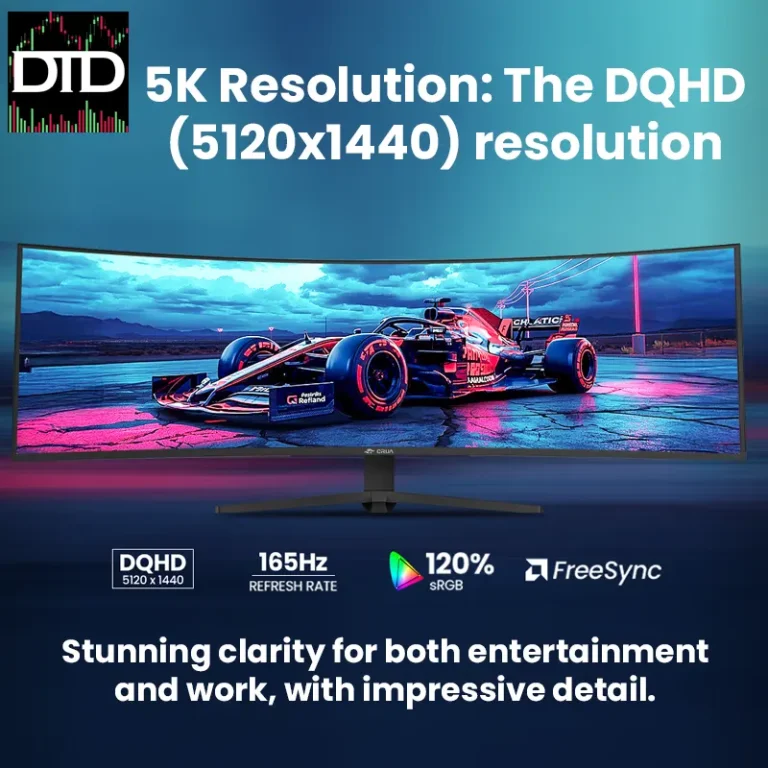
See our screens and monitors.
A 1440p monitor has a resolution of 2560 x 1440. For most traders, this is the sweet spot.
On a 27-inch screen, it’s a great mix of space and comfort. You get way more room than a basic 1080p monitor. You can see detailed charts and run several windows side-by-side. Text and icons are a normal, readable size, so you usually don’t need to adjust any scaling settings.
It’s also easier on your computer. You can run two or three of these with a modest graphics card, which saves you money.
A 4K monitor has a resolution of 3840 x 2160. It’s very sharp. The big appeal for trading is the massive amount of screen space.
On a large 32-inch or bigger screen, you can fit a ton of data. The problem? Everything-chart labels, buttons, text-starts out very small. You’ll almost always have to use your computer’s display scaling (like setting it to 150%) to read anything. This scaling can sometimes make older programs look fuzzy.
Running a 4K monitor, especially more than one, needs a powerful computer with a good graphics card. That adds a lot of cost and hassle.
Your monitor choice changes your physical setup. A 27-inch 1440p monitor is a standard size. It fits on most desks with its included stand or a basic monitor mount.
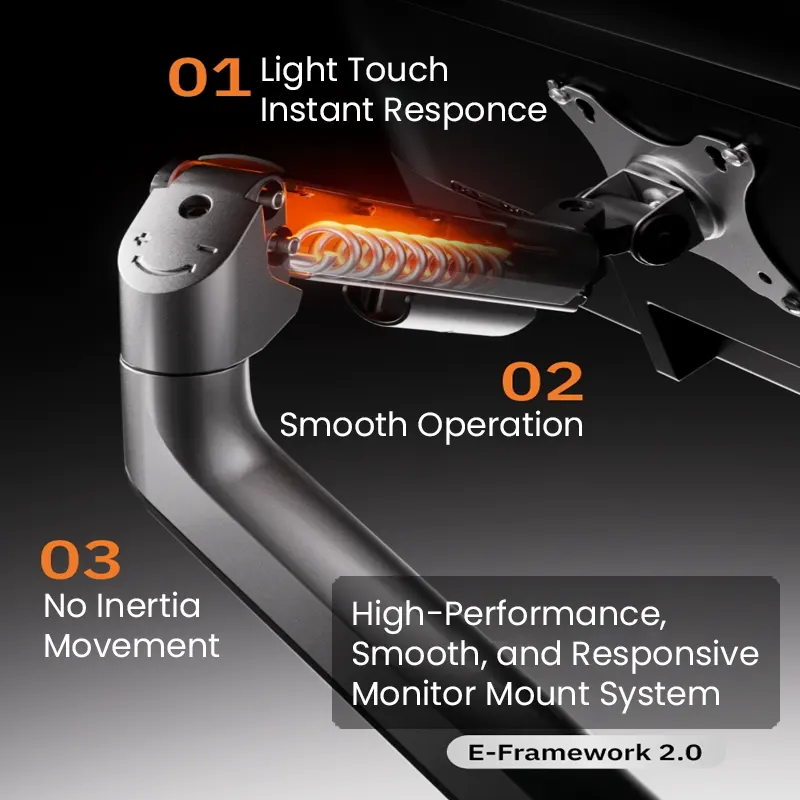
4K monitors often use bigger 32-inch or larger panels. These are heavier and might need a stronger arm or stand. Think about your desk depth; a huge 4K screen can feel too close if you don’t have the space.
For multiple monitors, setting up two or three 1440p screens is simpler and more flexible than dealing with larger 4K ones.
You need the right cable to get the full picture from your computer. For a 1440p monitor at 60Hz, a standard HDMI or DisplayPort cable normally works fine.

4K is pickier. To run 4K at 60Hz, you need a high-speed HDMI cable (HDMI 2.0 or newer) or a DisplayPort cable. An old cable might limit you to a lower resolution or refresh rate.
Always check your computer’s video outputs. Older laptops or desktops might not support 4K at all. You may need specific adapters and hubs to connect everything.
Picture a standard two-screen trading desk. A solid, popular choice is two 27-inch 1440p IPS monitors.

Mount them on a dual-arm stand. Use your main screen for charting software. Use the second screen for your trading platform, a news feed, and a watchlist. The 1440p resolution gives you plenty of room, and a modern laptop or a desktop with a mid-range graphics card can run this without trouble.
A 4K version would use two 32-inch 4K monitors. You’d see slightly finer details, but you’d need to run scaling at 125-150%. You’d also need a high-end computer with a powerful graphics card to run both smoothly. The cost and complexity are much higher for a gain many traders won’t even notice.
Watch out for these errors when choosing your resolution.
Use this list when you’re ready to buy.
For most people, yes. The extra sharpness is nice, but the practical space gains over 1440p usually aren’t worth the higher cost, hardware demands, and software issues. 1440p is the more practical choice for a smooth workflow.
Maybe. Check your laptop’s specs. Many modern business laptops can run one 4K monitor. Running two usually needs a high-end laptop with a powerful GPU or a desktop. If you’re unsure, 1440p is a safer, more compatible option for laptop users.
For trading, multiple monitors are usually better. They let you put different apps on separate screens, which is easier to manage. Two or three 1440p monitors often make a more flexible and cost-effective workspace than one big 4K screen. For ideas, see our guide on the Best Multi-Monitor Setup for Day Trading.
No, it makes it smaller. At native 4K, all text and icons are tiny. You have to use scaling to enlarge them, which can cause blurriness in some apps. A 27-inch 1440p monitor usually gives you perfectly readable text without any scaling.
It’s not important. A standard 60Hz or 75Hz refresh rate is perfectly fine. High refresh rates (120Hz, 144Hz) are for gaming. Your charts and data don’t update fast enough to benefit. Spend your budget on screen quality, size, and panel type instead.
For most traders, a 1440p monitor is the best choice. It gives you a great balance of screen space, clear text, and compatibility without needing expensive computer upgrades.
Only choose 4K if you really need extreme detail on a very large screen, you know your hardware can handle it, and you’re okay managing display scaling. For a reliable setup that works right away, you can confidently pick 1440p.
For more on sizing, see Best Monitor Size for Day Trading. If you’re watching your budget, our list of Best Budget Monitors for Day Traders is a great place to start.