
Your monitor is your main view of the markets. A good one helps you see clearly, work comfortably, and avoid eye strain during long sessions. A faster refresh rate makes motion look smoother, but it won’t make your trades faster. Your broker, data feed, and internet connection handle speed. Your monitor’s job is to show you everything clearly.
Your best choice depends on how you trade and what feels good to your eyes.
This is the basic option. Most standard office and budget monitors run at 60Hz. It works fine. If you mostly look at static charts and don’t scroll constantly, 60Hz is enough. The motion can look a little choppy, which some people find tiring over time.
This is the best value for most traders. Moving from 60Hz to 75Hz is a noticeable improvement. Scrolling watchlists and moving windows feels much smoother. Many modern monitors, especially IPS panels, come with 75Hz or 100Hz now without a big price jump. It’s a smart upgrade for comfort.
This is ultra-smooth. Everything feels incredibly fluid. If you scalp fast-moving markets or watch a rapid Level 2 feed, this smoothness can help you track changes. But be honest: this is a luxury for comfort. For most trading, the benefit over a 75Hz screen is small.
Key Point: To use a high refresh rate, your computer and cable must support it. Buying a 144Hz monitor and connecting it with an old cable that only does 60Hz is a common and costly mistake.
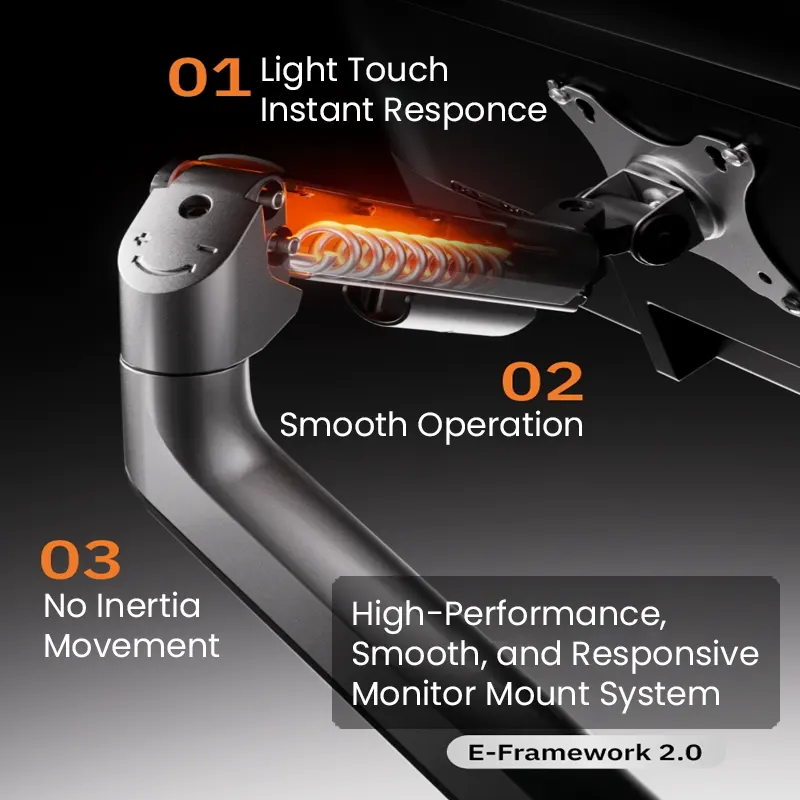
Before worrying about Hz, think about your posture. The stand that comes with your monitor is often weak and wobbly. For multiple screens, a solid monitor arm or mount is a great investment. It lets you position your screens perfectly to avoid neck and back pain. A comfortable setup helps you more than slightly smoother scrolling.
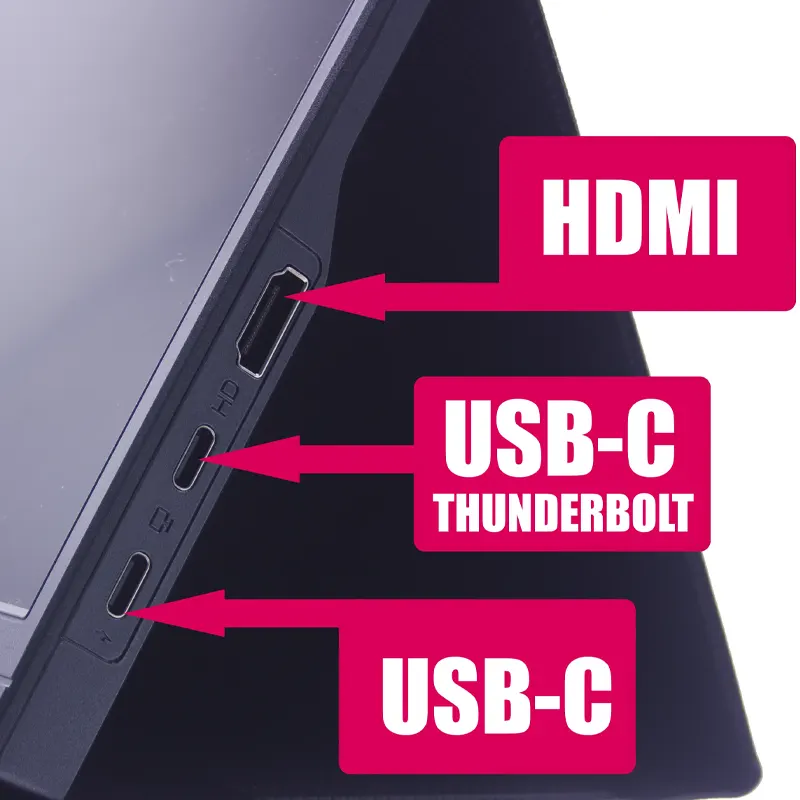
This technical detail is important. To run a monitor at its highest refresh rate, you usually need a DisplayPort cable. Older HDMI cables might limit you to 60Hz. Always check the ports on your computer and monitor. You might need the right adapters or cables to get the full performance.

Remember, after you connect everything, you must manually set the refresh rate in your computer’s display settings. It won’t switch to the highest rate on its own.
Here’s a practical setup. A trader uses two monitors. The main screen is a 27-inch, 1440p, IPS panel with 75Hz. This runs their charting software. The second screen is an older 24-inch, 1080p, 60Hz monitor for news, email, and the broker dashboard.
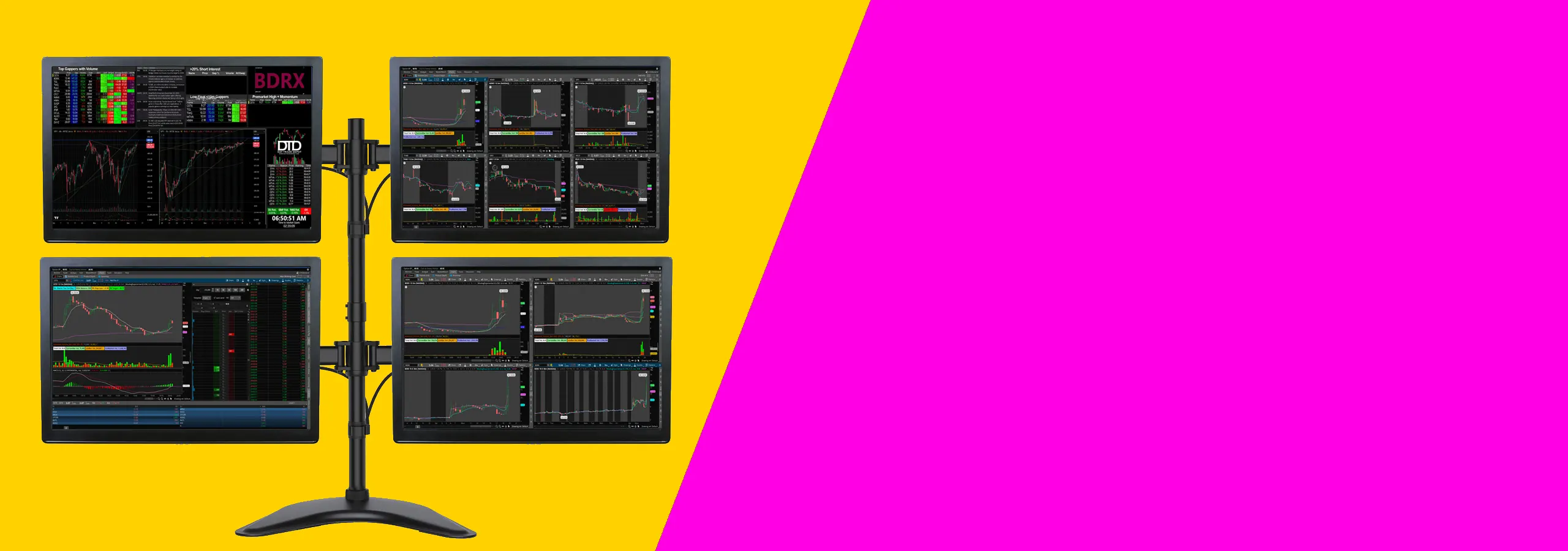
This works well. The main screen has plenty of space, sharp resolution, and smooth motion. The secondary screen is fine for static info. The money was spent on screen quality and space, not on the highest Hz for both.
Yes, the smoothness is obvious when you move windows or scroll. The real question is if it helps your trading. For some, it’s a comfort that reduces eye strain. For others, it doesn’t affect their decisions or profits.
Yes. For most traders, 75Hz is plenty. It’s a clear improvement over 60Hz without the high cost of 144Hz.
You need a graphics output that supports your desired resolution and refresh rate. For a single 1080p or 1440p monitor at 144Hz, modern integrated graphics can often handle basic trading platforms. For multiple high-resolution, high-refresh screens, a dedicated graphics card is a good idea.
No. Trade speed depends on your internet, your broker’s servers, and your platform. A 144Hz monitor makes the display smoother for you, but it doesn’t speed up data or orders.
If you use the same PC for gaming, then 144Hz becomes much more appealing. Look for one with good color accuracy (like an IPS panel) to work for both. Just make sure your PC can run games at high frame rates to actually use the 144Hz.
So, do you need 144Hz for day trading? The simple answer is no. A 60Hz monitor works. Stepping up to 75Hz or 100Hz is a smart, modern choice that feels smoother for a reasonable price. 144Hz is the premium tier-it feels great and can be worth it if you have the budget, but it’s not necessary.
Focus on your overall setup. A larger, higher-resolution screen with a good IPS panel at 75Hz is better than a smaller, lower-quality 144Hz screen. Use the right cable, put it on a good mount, and you’ll have a trading station that works well and keeps you comfortable.
Related Reading: Best Monitor Size for Day Trading: 27 vs 32 vs 34 Inches, 1440p vs 4K for Trading Monitors: Which Resolution Is Best?