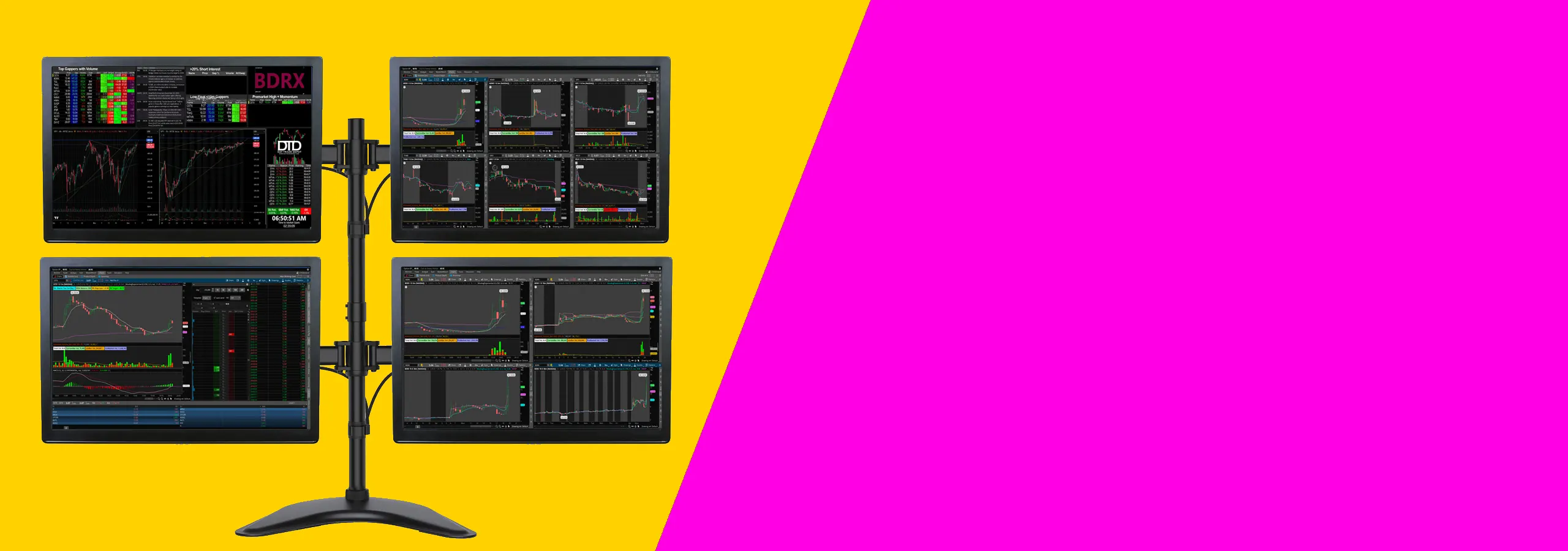
Build a cleaner trading setup with monitor stands and monitor arms for dual, triple, quad, and larger multi-screen layouts.
Choose a monitor stand or monitor arms that keep your screens at eye level and your desk clear.
The right monitor stand gives you more working space and helps you build a cleaner layout. This page covers monitor stands, monitor mounts, and monitor arms for real trading desks, from a simple dual monitor stand to a larger multi monitor stand for expanded layouts.
If you trade with charts, order entry, scanners, news, and watchlists open at the same time, your layout matters. A good mount helps you create a cleaner multi-monitor workstation so each screen has a clear place and your setup stays aligned day after day.
Some traders need a compact trading desk mount for two screens. Others want room to grow into a triple, quad, or even six screen mount setup later. The right mount helps you start clean and scale up when you need more screens.
Before you buy, check how the mount attaches to your desk, the weight of each screen, and whether your displays use 75×75mm and 100×100mm mounting hole patterns. Those three checks help you choose a mount that fits properly the first time.
The best monitor stand for trading is the one that matches your screen count and desk type. Most traders start with a dual monitor stand or monitor arms, then scale up as their layout grows.
A monitor stand usually keeps screens on a fixed base, while monitor arms attach to the desk and give more flexibility for height, angle, and positioning.
Clamp mounts are fast to install and work on many desks. Grommet mounts use a hole through the desk and can feel more locked-in on thinner tops. Choose based on how your desk is built.
Check your screen for 75×75mm or 100×100mm mounting hole patterns and confirm your monitor weight. If those match the product specs, you are good.
Often yes, as long as the screen weight and mounting hole patterns match the mount’s limits. Curved screens can be heavier, so always check the product specs.
Yes, if the screen has 75×75mm or 100×100mm mounting hole patterns and stays within the weight limit. It is a simple way to add a lightweight side screen.
As a starting point, set the top third of the screen near eye level and angle the screens slightly toward you. Fine-tune until you can scan charts without leaning forward.
Click here to track your order in real-time and get updates on delivery status.
Find out about our shipping policies, delivery options, and estimated arrival times.
Looking for quick answers? Browse our frequently asked questions for helpful info.
Need to return or exchange a product? Learn more about our return process here