Brateck E350 Monitor Mount for 17”–32” Displays
What you get
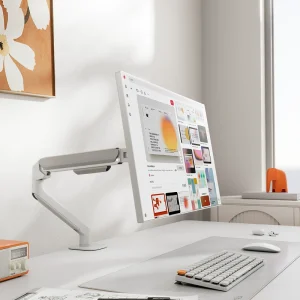
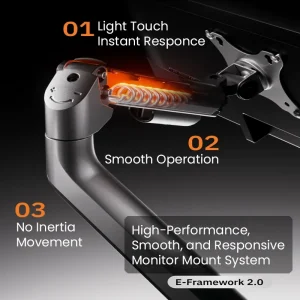
You get one solid monitor arm that lets you put your screen at a better height and keep your desk clearer. It is made for daily desk use where you want smooth adjustments and a stable hold.
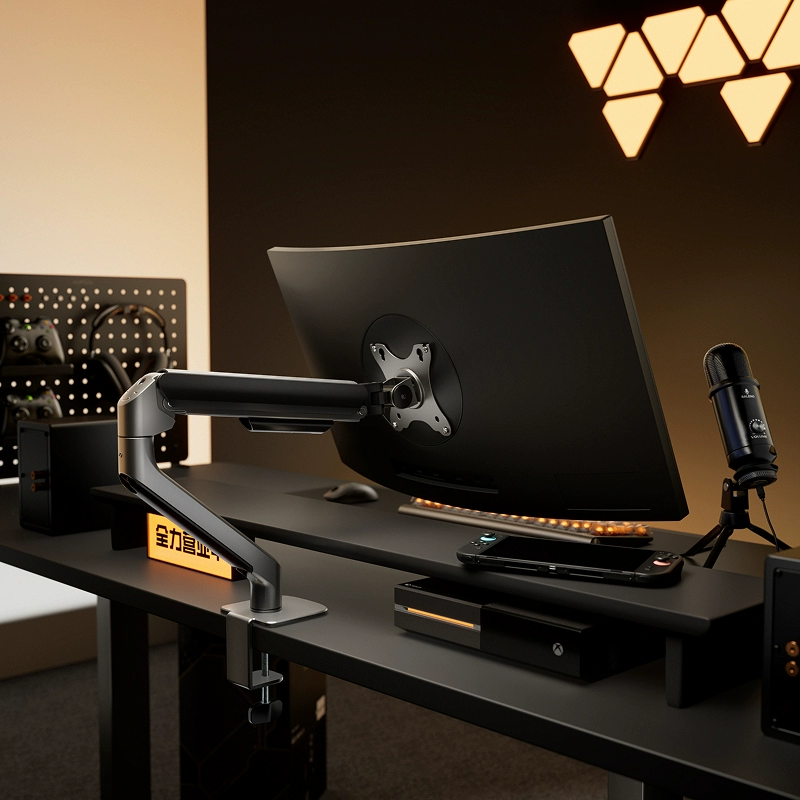
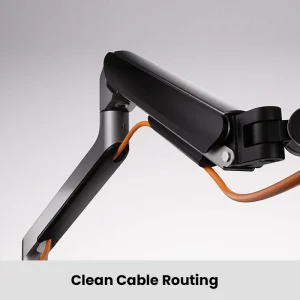
This mount is a good fit for a multi-monitor workstation build because it replaces a bulky monitor base and frees up space for your keyboard, mouse, and notes. It also works well in a trading desk mount layout where you want charts at eye level and cables routed cleanly.
For matching parts, browse arms and mounts in Desk Arms & Mounts, add clean leads from Cables & Connectivity, and choose screens in Screens & Monitors.
Why it fits trading desks
A trading desk setup is only as comfortable as your screen position.
- Better screen height: helps reduce neck bend during long sessions
- Easy angle control: tilt and rotate the screen to cut glare and improve viewing
- Cleaner desk: removes the monitor base and frees up surface space
If you have a very heavy monitor or an extra-wide screen, double check the weight before you buy. That is usually the deciding factor.
Compatibility checks
Do these checks before you install.
- Screen size: listed for 17” to 32” displays
- Weight limit: up to 9 kg
- Mounting holes: supports 75×75mm and 100×100mm mounting hole patterns
- Desk thickness for clamp: 10 mm to 60 mm
Example check: if your monitor is 27” and weighs 6.5 kg, this arm should be in the safe zone. If your monitor is close to 9 kg, keep the arm tighter and avoid pushing it to the furthest reach.
Adjustment and comfort
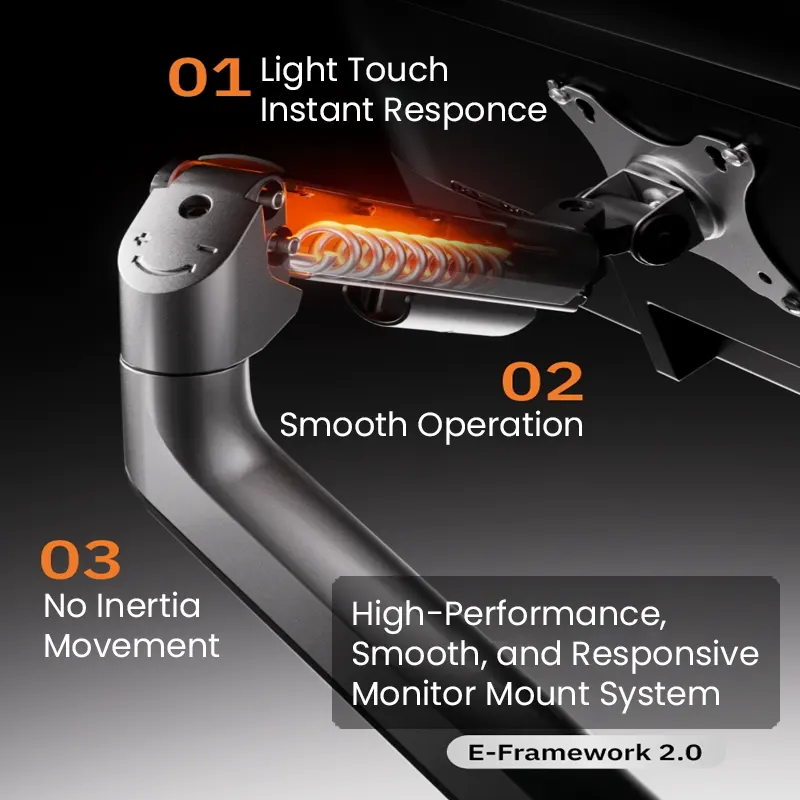
This mount is built for daily repositioning.
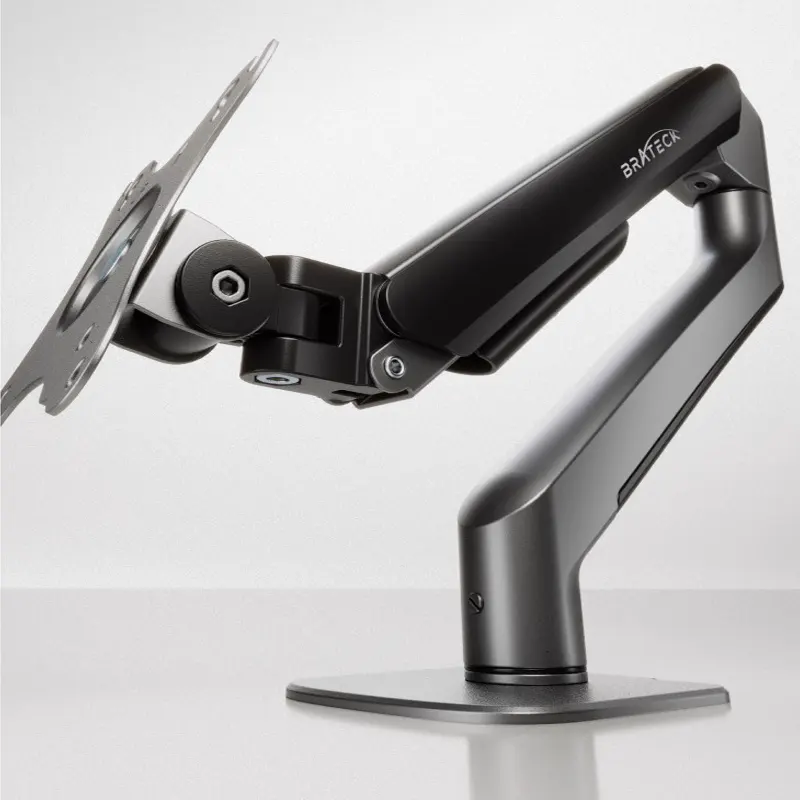
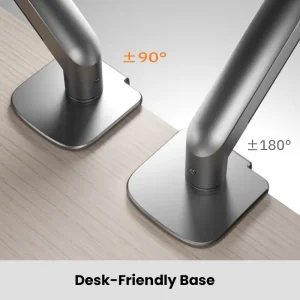
- Tilt: ±90°
- Rotation: ±180°
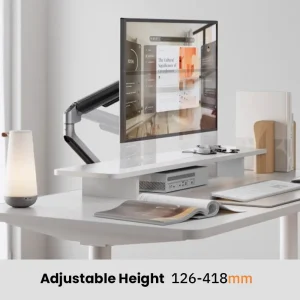
- Height range: 126 mm to 418 mm
A simple way to set it up is to bring the top third of the screen closer to eye level, then tilt slightly until the text looks sharp without glare.
Clamp install
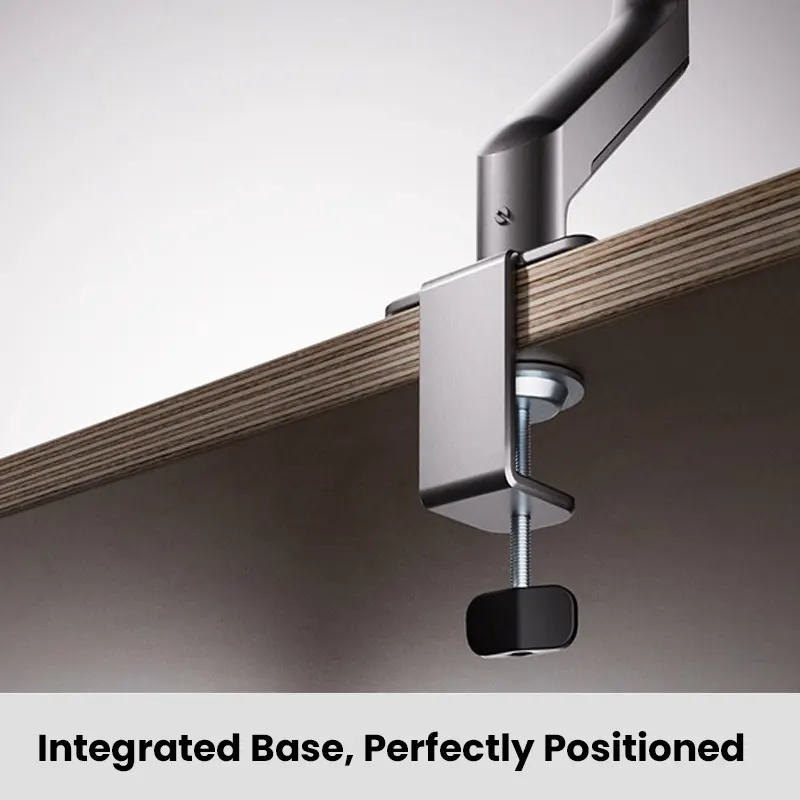
Clamp mounting is quick and does not require drilling. It is a good fit if you want an easy install you can undo later.
- Confirm your desk edge is within the 10 mm to 60 mm thickness range
- Tighten the clamp evenly so the mount sits flat
- Recheck tightness after the first day of use
Finish options
Choose the finish that matches your desk and gear.
- Meteor Gray
- Midnight Black
- Cloud White
Key specs
- Monitor size: 17” to 32”
- Weight capacity: up to 9 kg
- Height adjustment: 126 mm to 418 mm
- Tilt: ±90°
- Rotation: ±180°
- Mounting holes: 75×75mm and 100×100mm mounting hole patterns
- Clamp desk thickness: 10 mm to 60 mm
- Finish: Meteor Gray, Midnight Black, or Cloud White
Next step
Next step: confirm your monitor weight and mounting holes, measure your desk thickness for the clamp, then plan your cable run using Cables & Connectivity before you tighten everything down.