
Your monitor is your main tool. You look at it all day. The wrong screen can tire your eyes or make details hard to see. The right one keeps everything clear and comfortable, so you can stay focused.
This isn’t about gaming. It’s about seeing your charts accurately and staying comfortable during long sessions. A good monitor is an investment in your work.
Let’s look at the two main panel types you’ll see when shopping for screens and monitors.
IPS screens are known for great colors and wide viewing angles. Colors stay true even if you look from the side. This is a big plus if you use multiple monitors at an angle.
They show colors accurately. A red line on your chart looks red. The trade-off is contrast. Blacks can look more like dark gray, especially in a dark room.
VA screens have much better contrast. Blacks look deep and true, which can make charts appear sharper. This is their main strength.
But, they usually have slower response times and worse viewing angles. If you look from the side, colors can shift and darken. This can be annoying if your monitors aren’t directly in front of you.
For most traders, an IPS panel is the better choice. You get reliable colors and stable viewing angles. This is key if you have two or three monitors. You won’t need to move to see a side screen correctly.
Eye strain matters. The consistent look of a good IPS panel is often easier on the eyes over a full day. Only choose VA if you trade in a very dark room, really want deep blacks, and sit straight in front of one screen. Know that fast scrolling might show a little blur.
How you position your monitor matters. Measure your desk first. A 27-inch monitor needs a desk at least 24 inches deep for a comfortable view.
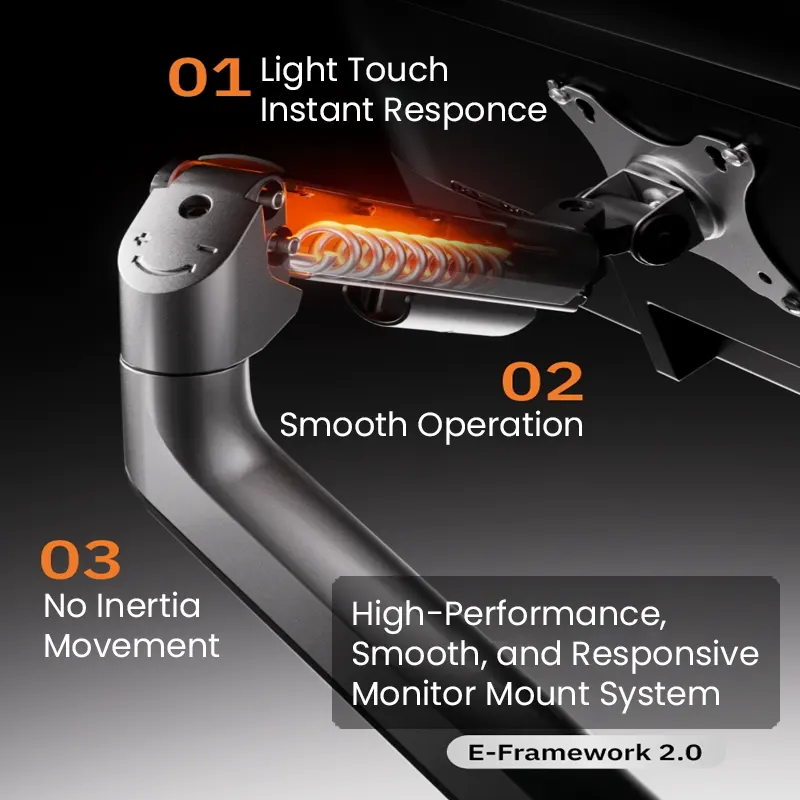
A monitor mount or arm saves desk space and improves your posture. It lets you adjust the height and push the screen back. Just make sure your new monitor has VESA mount holes (most do).
Don’t forget about cables. Monitors often come with a basic HDMI cable. For the best quality, use a DisplayPort cable if your computer has it. Get a good cable in the right length.
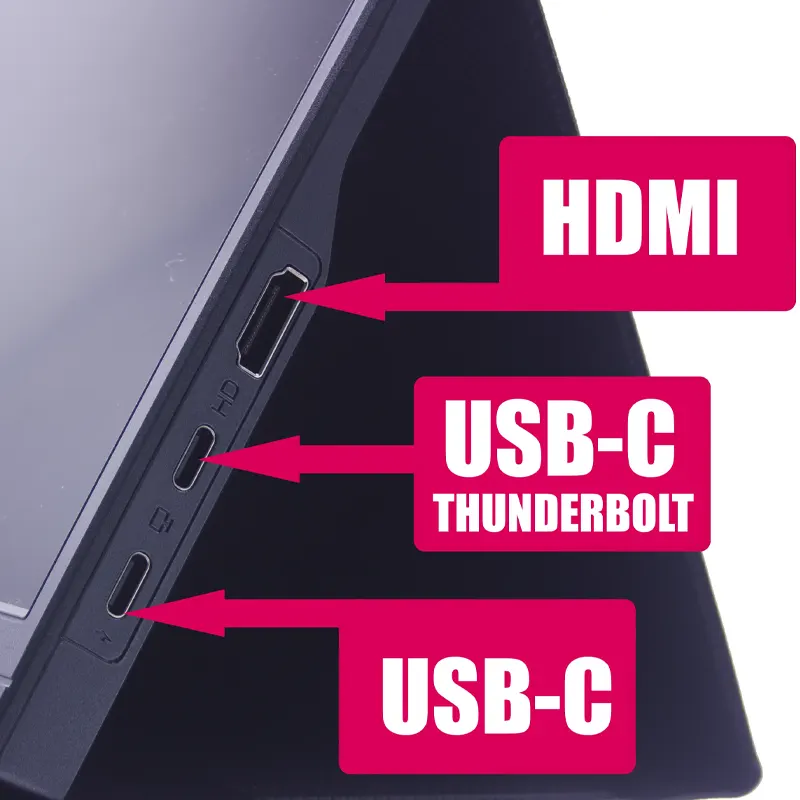
Check your computer’s video outputs. A laptop might only have HDMI. A desktop usually has DisplayPort. You might need simple adapters and hubs to connect everything. Keep spare cables and power cords handy and plan your cable routing to avoid clutter.
Here’s a solid, practical setup that works well:
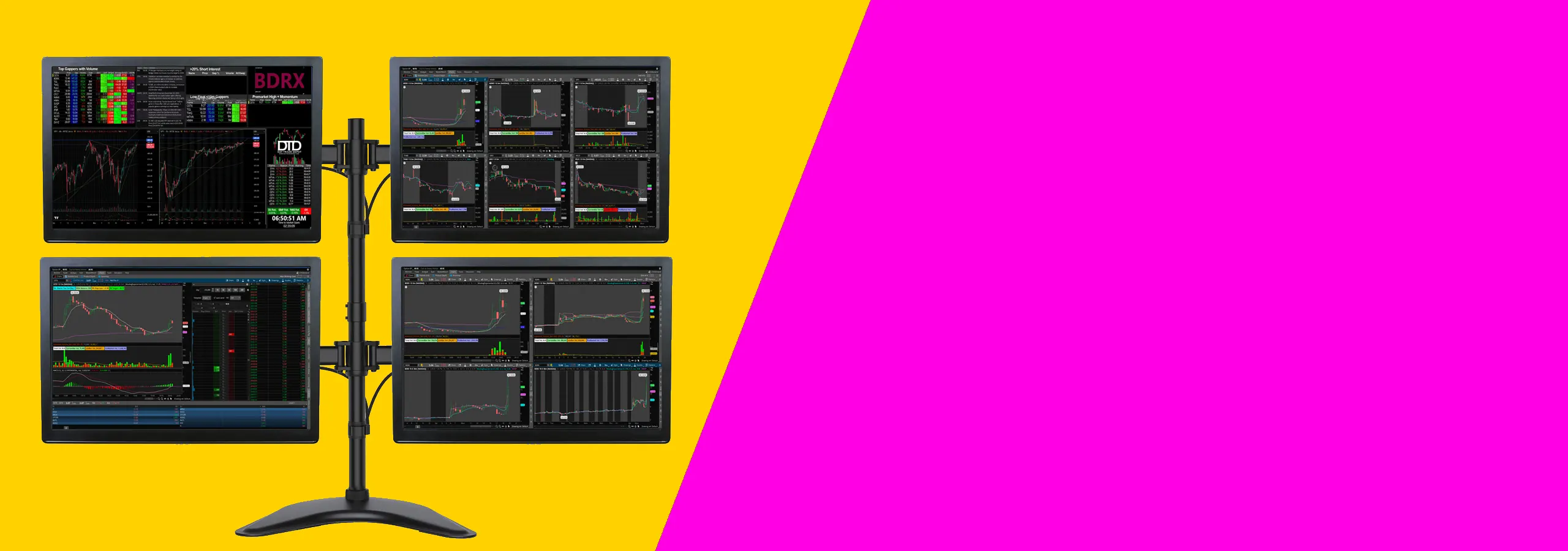
This is a reliable setup for most traders.
This kind of setup works for most traders who want a clean desk and clear charts without spending too much. It suits people using one or two monitors, a normal desk, and a standard trading platform. If you trade from home and want a practical place to start, this is it.
Two 27-inch monitors are usually the safer choice. You can keep charts on one screen and news, orders, or watchlists on the other. A 34-inch ultrawide can look cleaner, but some people find it harder to arrange windows on one very wide screen.
If you like clear separation between tasks, go with two screens. If you want fewer bezels and a cleaner look, an ultrawide can work well.
You do not need a high-end gaming computer for this kind of setup. You mainly need enough video outputs for the number of screens you want to use. Check for HDMI, DisplayPort, or USB-C before you buy anything.
If you are using a laptop, check how many external displays it can run. Some laptops will only support one or two extra screens unless you use the right dock or adapter.
Before you buy, check your desk depth and the mounting holes on the back of the monitor. A shallow desk can push the screens too close to your face. Most people are more comfortable with enough depth to sit back a little and keep the top of the screen at eye level.
Also make sure your monitor has mounting holes if you want to use an arm. That saves space and makes it easier to line both screens up properly.
If you’re on a tight budget, see 1440p vs 4K for Trading Monitors: Which Resolution Is Best?.
For more on arranging several screens, see Choosing the Best Trading Monitors for 2026.
Your desk matters too. Best Monitor Size for Day Trading: 27 vs 32 vs 34 Inches is useful.
For most multi-monitor setups, yes. IPS has consistent colors and wide viewing angles. VA has better contrast but colors shift when you’re not looking straight at it.
No. But moving from 60Hz to 75Hz or 100Hz is a nice, affordable upgrade. It makes scrolling smoother.
You can, but it’s not a good idea. The difference in colors and brightness will be obvious and distracting. Use the same panel type for all your screens.
OLED has perfect blacks. But it’s expensive, and static elements like chart toolbars can cause burn-in. IPS is still the more practical choice.
1440p gives you more screen space than 1080p without the scaling issues of 4K. Many trading programs don’t handle 4K well. 1440p works great right away.
Picking between IPS and VA depends on your setup. For most traders with one to three monitors, an IPS panel is the safe, reliable pick. It gives you the color accuracy and viewing angles you need.
Remember to measure your desk, check your computer’s ports, and get the right cables. A good 27-inch 1440p IPS monitor with a solid mount will work well for years. Your job is to watch the markets, not fight with your screen.