
A good monitor mount changes everything. It’s not just about holding your screens. It’s about getting your desk space back for your keyboard, mouse, and notes. Most importantly, it lets you set your monitors at the perfect height and angle to avoid neck and eye strain. When you’re watching charts all day, the right setup is essential for staying comfortable and focused.
Before you pick a mount, you need the right screens. For trading, you want enough space to see everything. Many traders use two or three 27-inch monitors. Others prefer one big ultrawide. Your choice affects which mount you’ll need. The key thing to check is VESA compatibility. Look for four screw holes in a square pattern on the back of your monitor (usually 75x75mm or 100x100mm). This is how you attach it to an arm. Most new monitors have this, but always check first.
This is the big decision, and your desk makes the call.
A clamp mount attaches to the back edge of your desk. You tighten a screw, and a metal jaw grips the desk from the top and bottom. It’s the most popular type of monitor mount for a reason.
Pros:
Cons:
A grommet mount uses a pole that goes through a hole in your desk. You secure it with a large nut underneath. Many desks already have cable management holes (grommet holes) that work perfectly.
Pros:
Cons:
Go with a desk clamp if: You have a normal desk with a clear back edge, you might move your setup, or you don’t want to drill holes. It’s the safe, flexible option for most people.
Go with a grommet mount if: Your desk already has a good hole, you’re setting up a very heavy triple-monitor rig, or your desk has a thick edge a clamp can’t handle. It’s for building a permanent, rock-solid station.
Check Your Desk Depth: Measure your desk before you buy. A monitor on an arm needs to sit back. If your desk is shallow (under 24 inches), make sure the arm can bring the screen close enough to see comfortably.
A clean setup needs tidy cables. Most good monitor arms have channels to hide them. Your job is to make sure your cables are long enough. Your HDMI or DisplayPort cables need extra length so they don’t pull tight when you move the arm. A USB hub under the desk can help organize your peripherals and cut down on clutter. Just keep your power strip where you can reach it to plug everything in.
Let’s say a trader has a standard 60-inch wooden desk and two 27-inch monitors. They choose a dual monitor arm with a clamp. They attach the clamp in the middle of the desk’s back edge, run the cables through the arm’s channels, and connect them to the computer. The result is a clean desk with both screens at eye level. This reduces neck strain and helps you focus.
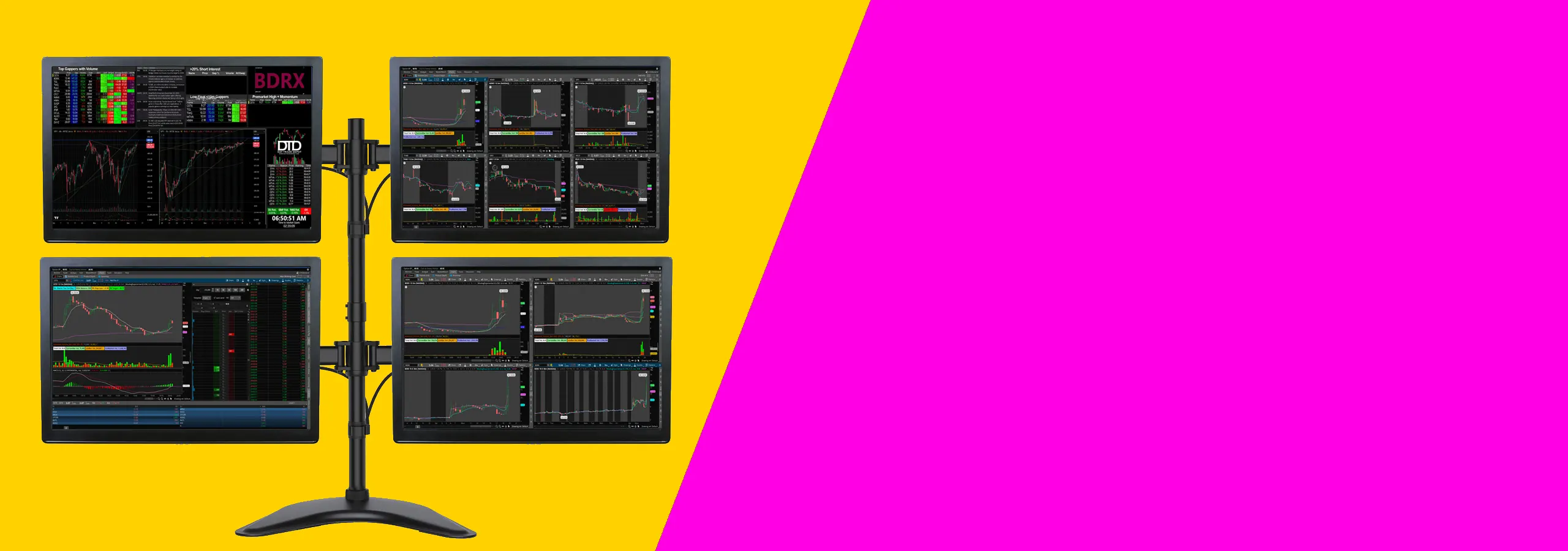
Need help arranging your screens? Check out our guide on How to Position Multiple Monitors for Better Trading Ergonomics.
This kind of setup works for most traders who want a clean desk and clear charts without spending too much. It suits people using one or two monitors, a normal desk, and a standard trading platform. If you trade from home and want a practical place to start, this is it.
Two 27-inch monitors are usually the safer choice. You can keep charts on one screen and news, orders, or watchlists on the other. A 34-inch ultrawide can look cleaner, but some people find it harder to arrange windows on one very wide screen.
If you like clear separation between tasks, go with two screens. If you want fewer bezels and a cleaner look, an ultrawide can work well.
You do not need a high-end gaming computer for this kind of setup. You mainly need enough video outputs for the number of screens you want to use. Check for HDMI, DisplayPort, or USB-C before you buy anything.
If you are using a laptop, check how many external displays it can run. Some laptops will only support one or two extra screens unless you use the right dock or adapter.
Before you buy, check your desk depth and the mounting holes on the back of the monitor. A shallow desk can push the screens too close to your face. Most people are more comfortable with enough depth to sit back a little and keep the top of the screen at eye level.
Also make sure your monitor has mounting holes if you want to use an arm. That saves space and makes it easier to line both screens up properly.
If you’re on a tight budget, see 1440p vs 4K for Trading Monitors: Which Resolution Is Best?.
For more on arranging several screens, see How to Position Multiple Monitors for Better Trading Ergonomics.
Your desk matters too. Best Triple Monitor Mounts for Trading Desks is useful.
Usually, yes. Many mounts sold as “clamps” include a grommet kit in the box. Just check the product description to see if it’s included.
It can be. The direct connection is very stable and less likely to shift over time, which is good for a heavy, valuable setup.
This can block a clamp mount, since trays often run along the back edge. A grommet mount, placed in the desk surface, avoids this problem.
Do not use a standard metal clamp on glass. The pressure can break it. You must use a mount specifically designed for glass tops.
Run your cables down the mounting pole and through the same grommet hole. Under the desk, use clips or a raceway to route them neatly to your computer and power.
For most traders with a normal, sturdy desk, a good desk clamp mount is the simplest and best choice. It gives you great stability without any permanent changes. If your desk already has a hole, or you’re building a heavy, permanent trading station, then the extra stability of a grommet mount is worth it. Either way, the goal is the same: get your screens off their stands, clear your desk, and set them up so you can trade comfortably all day.
Further Reading: Still picking monitors? Our guides on 1440p vs 4K for Trading Monitors and Best 27-Inch Monitors for Day Trading can help.