
If you trade with more than one screen, you already know the struggle. A regular desk just isn’t built for three or four monitors. You end up with arms that wobble, cables everywhere, and not enough depth to see your screens clearly.
A good standing desk for trading changes that. It gives you a stable base for your monitors. It lets you stand up during long sessions. And it keeps your gear organized so you can focus on the charts, not the clutter.
This article walks you through what to look for in a sit-stand desk for monitors. We cover monitor size, mounts, cables, and real setups that work. No fluff. Just practical advice for traders who want a desk that does the job.
A wobbly desk is a nightmare for trading. When you type or move your mouse, the screens shake. That makes it hard to read small numbers on a chart. It also looks unprofessional if you trade on video.
A good sit-stand desk for monitors solves this. It uses a solid frame and a thick top. It does not wobble at standing height. And it lets you adjust the height so your eyes are level with the top of your screens.
Ergonomics matter too. When your monitors are at the right height, you don’t hunch forward. Your neck stays straight. You can trade for hours without pain.
This guide is for active traders who use two or more monitors. Maybe you watch four charts at once. Maybe you run a trading platform on one screen and news feeds on another. Either way, you need a desk that holds everything steady.
It is also for people who sit for hours and want to stand sometimes. Standing desks help with back pain and energy levels. But only if the desk is stable enough for your monitors.
If you only use a single laptop, you don’t need this much desk. But if you have a multi-monitor setup, read on.
Before you pick a desk, you need to know what monitors you are using. The size and weight of your screens affect which desk and mount will work.
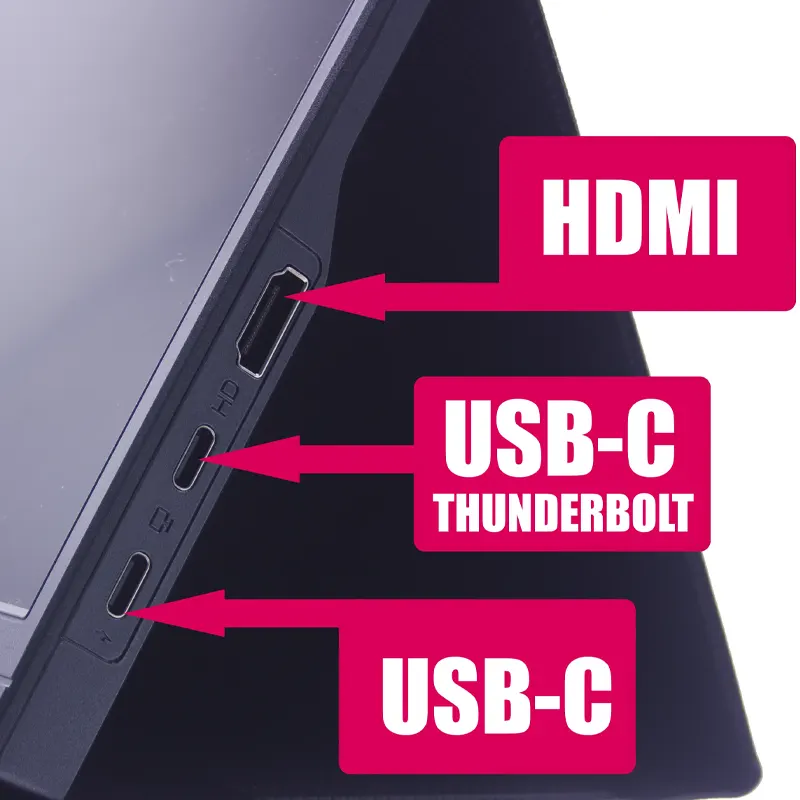
Most traders do well with 27-inch monitors at 1440p resolution. That gives you sharp text and enough screen space for several windows. 32-inch monitors are also popular, but they take up more desk depth.
Stick with IPS panels for good viewing angles. You don’t need super high refresh rates for trading. 75Hz or 100Hz is plenty. Focus on clarity and color accuracy instead.
For a deeper look at resolution choices, check out our guide on 1440p vs 4K for trading monitors.
This is a common question. Two 27-inch monitors give you a lot of flexibility. You can angle them toward you. You can run different apps on each screen. And if one monitor breaks, you still have the other.
An ultrawide monitor (like a 49-inch) can replace two screens. It looks clean and reduces bezels. But it can be harder to arrange windows on one big screen. Some trading platforms work better with separate monitors.
For most traders, two separate monitors is the safer choice. You can always add a third later.
Your computer needs enough ports and graphics power for multiple monitors. Most modern laptops and desktops can handle two or three screens at 1440p. But check your graphics card specs.
You will likely need a mix of HDMI, DisplayPort, or USB-C connections. If your computer has limited ports, you might need a hub. Look at our adapters and hubs section for options.
Make sure your computer can drive the resolution you want. Running three 4K monitors takes a lot of graphics power. Two 1440p screens are much easier on your system.
You should not rely on the monitor stands that come with your screens. Those stands take up a lot of desk space. They also limit how you can position your monitors.
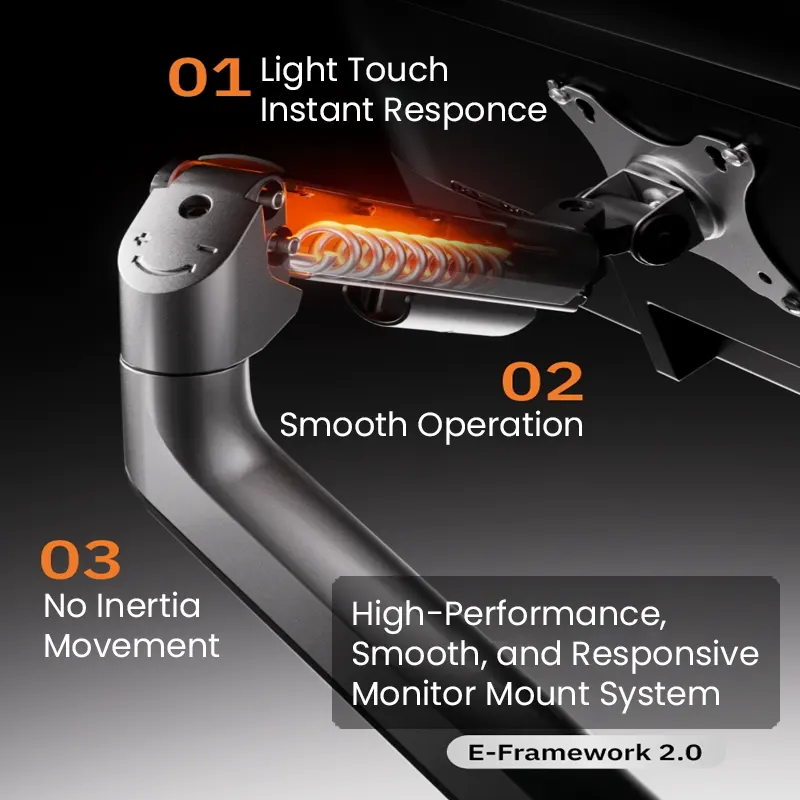
Instead, use a monitor mount. A dual or triple monitor mount clamps to the back of your desk. It holds your screens off the surface. That frees up space for your keyboard, mouse, and notepad.
Look for a mount that can handle the weight and size of your monitors. Most mounts list a maximum screen size and weight per arm. Don’t exceed those limits.
See our monitor mounts.
For a triple monitor setup, a heavy-duty mount is worth the money. Check our guide on best triple monitor mounts for trading desks for specific recommendations.
If you use a standing desk, make sure the mount works with the desk frame. Some mounts need a solid desktop to clamp onto. Avoid mounting on a desk with a thin or hollow top.
Desk depth matters more than most people think. A shallow desk forces you to sit too close to your monitors. That strains your eyes and neck.
For 27-inch monitors, look for a desk at least 30 inches deep. For 32-inch monitors, go with 36 inches if you can. That gives you room for the monitor mount, the screen itself, and some space for a keyboard.
Also check the desk weight limit. A standing desk with a heavy mount and three monitors can easily weigh 80 to 100 pounds. Make sure the desk motor can handle that.
Cables are the ugly part of any multi-monitor setup. But you can manage them with a little planning.

First, measure the distance from your computer to each monitor. Buy cables that are long enough but not too long. Extra cable length just creates tangles.
Use cable clips or a cable tray under the desk. Run the cables along the desk frame so they stay out of sight. If your desk has a built-in cable management channel, use it.
For a standing desk, you need cables that can move with the desk. Leave some slack in the cables so they don’t pull tight when you raise the desk. You can also use a cable chain or sleeve to keep them organized.
If you need extra ports, look at our cables and power section for power strips and extension cords.
A good trick is to mount a power strip under the desk. That way, all your cables plug in underneath and stay hidden. Just make sure the power strip has enough outlets for your monitors, computer, and accessories.
Here is a practical setup that works for many traders:
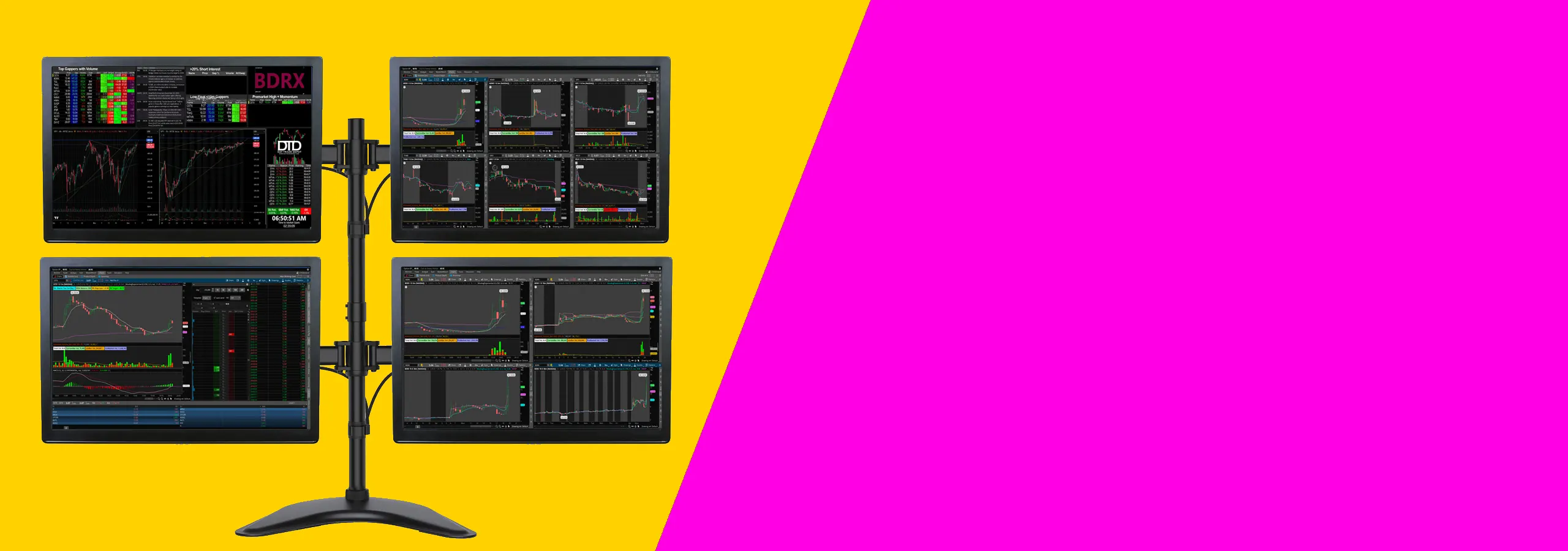
This setup costs around $800 to $1200 for the desk and mount, plus the monitors and computer. It gives you a stable, adjustable workstation that works for hours of trading.
If you prefer a two-monitor setup, you can use a 48-inch desk instead. The same principles apply, but you have more room for other gear like a second keyboard or a notepad.
Here are mistakes people make when setting up a multi-monitor trading desk:
Use this checklist when shopping for a standing desk for your multi-monitor setup:
For more detail on specific monitors and mounts, check these articles:
Also browse our screens and monitors category for more options.
This kind of setup works for most traders who want a clean desk and clear charts without spending too much. It suits people using one or two monitors, a normal desk, and a standard trading platform. If you trade from home and want a practical place to start, this is it.
Two 27-inch monitors are usually the safer choice. You can keep charts on one screen and news, orders, or watchlists on the other. A 34-inch ultrawide can look cleaner, but some people find it harder to arrange windows on one very wide screen.
If you like clear separation between tasks, go with two screens. If you want fewer bezels and a cleaner look, an ultrawide can work well.
You do not need a high-end gaming computer for this kind of setup. You mainly need enough video outputs for the number of screens you want to use. Check for HDMI, DisplayPort, or USB-C before you buy anything.
If you are using a laptop, check how many external displays it can run. Some laptops will only support one or two extra screens unless you use the right dock or adapter.
Before you buy, check your desk depth and the mounting holes on the back of the monitor. A shallow desk can push the screens too close to your face. Most people are more comfortable with enough depth to sit back a little and keep the top of the screen at eye level.
Also make sure your monitor has mounting holes if you want to use an arm. That saves space and makes it easier to line both screens up properly.
A desk that is at least 60 inches wide and 30 inches deep with a weight capacity of 200 pounds or more. Look for a steel frame and a solid top. Dual motors are better for heavy loads. Brands like Uplift, Jarvis, and Flexispot have good options.
Yes, most standing desks work with clamp mounts. But check the desktop thickness. Some desks have thin or hollow tops that cannot support a clamp. A solid wood or laminate top at least 1 inch thick is best.
It depends on the desk width and the mount. A 60-inch desk can hold three 27-inch monitors with a triple mount. A 72-inch desk can hold four monitors. Just make sure the desk weight limit covers the total weight of your screens and mount.
Not really. An ultrawide monitor is usually lighter than two separate monitors. But you still need enough desk depth. A 49-inch ultrawide needs at least 30 inches of depth to sit comfortably. A standard standing desk works fine.
Use a cable tray or channel under the desk. Run cables along the frame. Leave extra slack so the cables can move when you raise the desk. Use cable clips or sleeves to keep everything tidy. A power strip mounted under the desk also helps.
Your eyes should be level with the top edge of your center monitor. That means the screen is slightly below eye level. Adjust the desk height so you can look straight ahead without tilting your head up or down. A monitor mount makes this easier to adjust.
Yes. Many traders use a laptop as their main computer with two external monitors. You will need a docking station or hub to connect everything. Make sure the desk has enough space for the laptop, or use a laptop stand to save room.
Setting up a standing desk for multi-monitor trading is not complicated. But you need to think about size, weight, and stability before you buy. A cheap desk that wobbles will ruin your trading experience.
Focus on a desk that is wide enough, deep enough, and strong enough for your screens. Use a monitor mount to save space and improve ergonomics. Manage your cables so the setup looks clean and works smoothly.
If you take the time to choose the right gear, you will have a desk that serves you well for years. Your back will thank you. And your trading will be easier when everything is where it should be.
Start with the checklist above. Look at the related articles for specific monitor and mount recommendations. And remember, a good desk is an investment in your comfort and focus.