Get In Touch

We’d love to hear from you! Whether you have questions, need assistance, or want to share your feedback, feel free to reach out to us anytime. We are here to help.

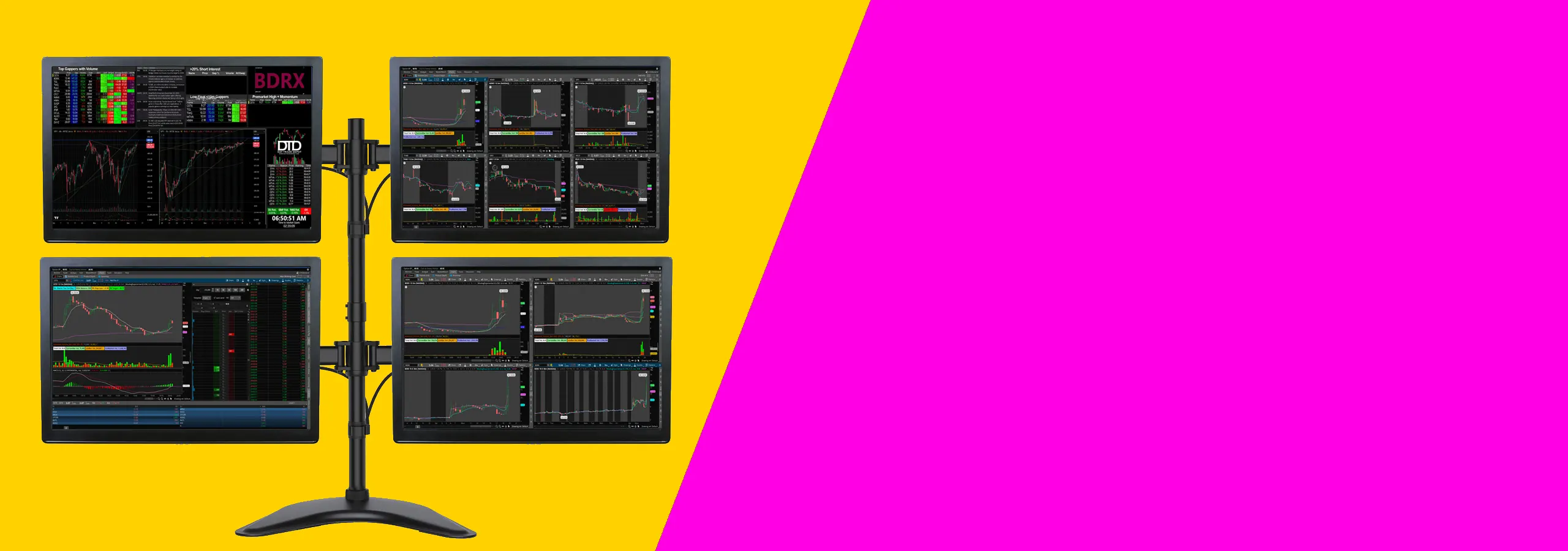
Four-screen trading workstation setup

Adapters & Hubs

A good adapter setup lets you run more screens without fighting cables, drivers, or random disconnects.

This category covers USB-C multi monitor adapters and hubs built for trading desks and serious workstations. If you are running a multi-monitor workstation, the goal is simple. Keep charts, executions, news, and scanners visible at the same time. A reliable usb c to dual hdmi adapter can give you two extra screens fast. A bigger hub can power your peripherals, keep your ports organized, and still drive displays at the right resolution.

These are for day traders who want a stable multi-screen layout, plus anyone doing research, coding, streaming, or office work with multiple displays. They also pair well with a trading desk mount setup because your screens stay positioned and your cables stay routed instead of dragging across the desk.

Before you buy, check your laptop port type, how many displays your device supports, and whether you need DisplayLink or USB-C video output. Also check resolution targets like 4K at 60Hz, and whether you need charging through the hub.

Our Adapters & Hubs

specifications and Compatibility

  • Common use cases: Add 1–6 external screens depending on the adapter type and your computer.

  • Video types: USB-C video output, HDMI output, and DisplayLink models (varies by product).

  • Display targets: Options that support Full HD and 4K. Check each product page for the exact refresh rate.

  • Ports: HDMI, USB-C, USB-A, and power input depending on the model.

  • Power delivery: Some hubs can charge your laptop while running screens. Confirm the wattage you need.

  • Operating systems: Works with Windows and macOS depending on the model. DisplayLink options may need a driver.

  • Important note: Some USB-C “splitters” mirror one screen. If you need true extended screens, confirm “extend” support.

  • Practical check: Confirm your laptop has USB-C with video output support, and confirm how many screens your model can run.
  • Why These Adapter & Hubs Work For Daytraders

    • More charts in view: You can keep execution, charts, and news on separate screens so you do not stack windows.


    • Cleaner desk wiring: One hub can reduce cable mess and keep your workstation easier to manage.


    • Stable multi-monitor workstation: The right adapter keeps your screen layout consistent across sessions.


    • Scales with your setup: Start with a usb c to dual hdmi adapter, then expand to bigger multi-screen options later.


    • Works with serious builds: It fits neatly into a trading desk mount layout, and can support bigger builds like a six screen mount when paired with the right hardware.


    • Portable monitor mount friendly: If you run a lightweight side screen on a portable monitor mount, the right adapter can still drive it cleanly.


    Frequently Asked Questions

    What is the best USB-C to dual hdmi adapter for trading?

    The best option is the one that supports extended displays, matches your target resolution, and is compatible with your OS. For trading, stability matters more than extra ports.

    Some devices only mirror. If you need true extend mode for a multi monitor setup, confirm the product page says it supports extended displays.

    It depends on your laptop and the adapter type. Some setups handle two screens through USB-C video output. DisplayLink options can add more screens if your system supports it.

    If your computer limits how many external displays it can run over USB-C video output, a DisplayLink adapter can help add more screens. It usually requires a driver.

    Many hubs support power delivery, but the wattage matters. Match the hub’s power delivery rating to what your laptop expects..

    Check your port type, how many screens your laptop supports, your target resolution, and whether you need extend mode. 

    Some models work with macOS out of the box. DisplayLink models can also work but may require the DisplayLink driver. Always match the product notes to your Mac model and OS version.

    Track Your Order

    Click here to track your order in real-time and get updates on delivery status.

    Shipping & Delivery

    Find out about our shipping policies, delivery options, and estimated arrival times.

    Check our FAQs

    Looking for quick answers? Browse our frequently asked questions for helpful info.

    Returns & Exchange

    Need to return or exchange a product? Learn more about our return process here