What you get
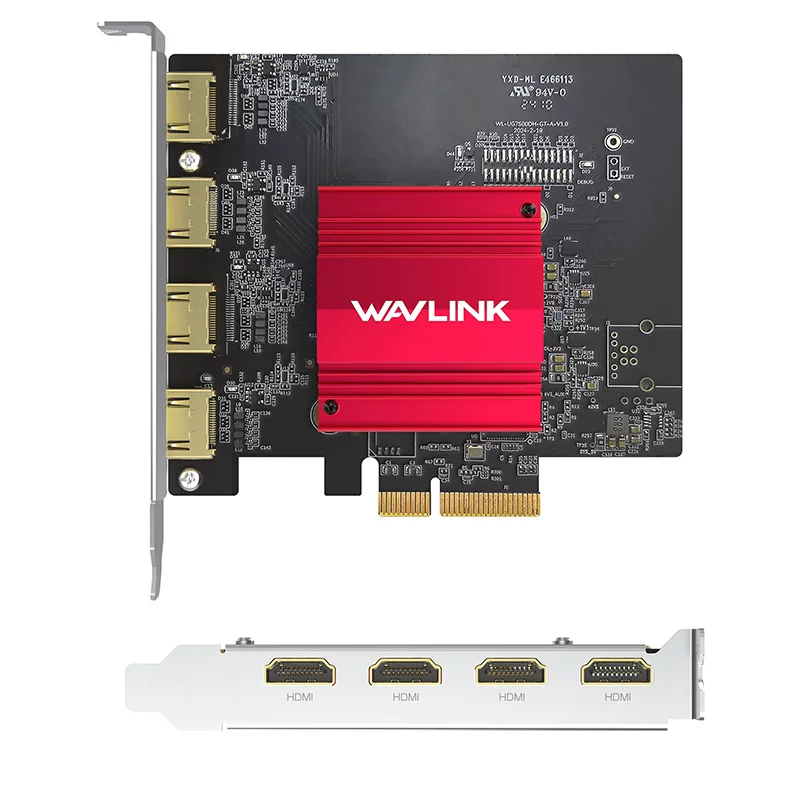
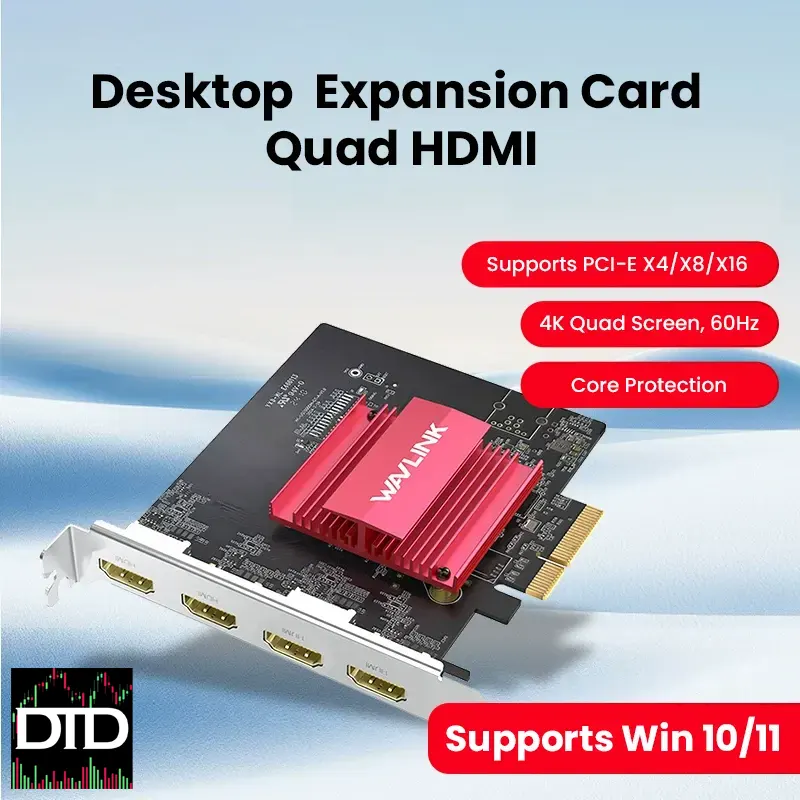
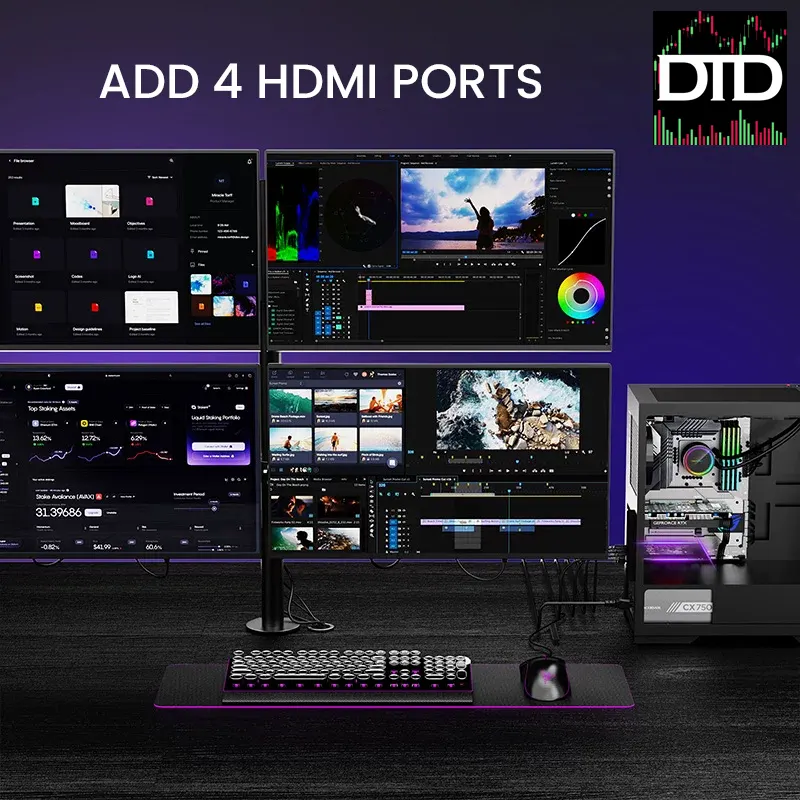
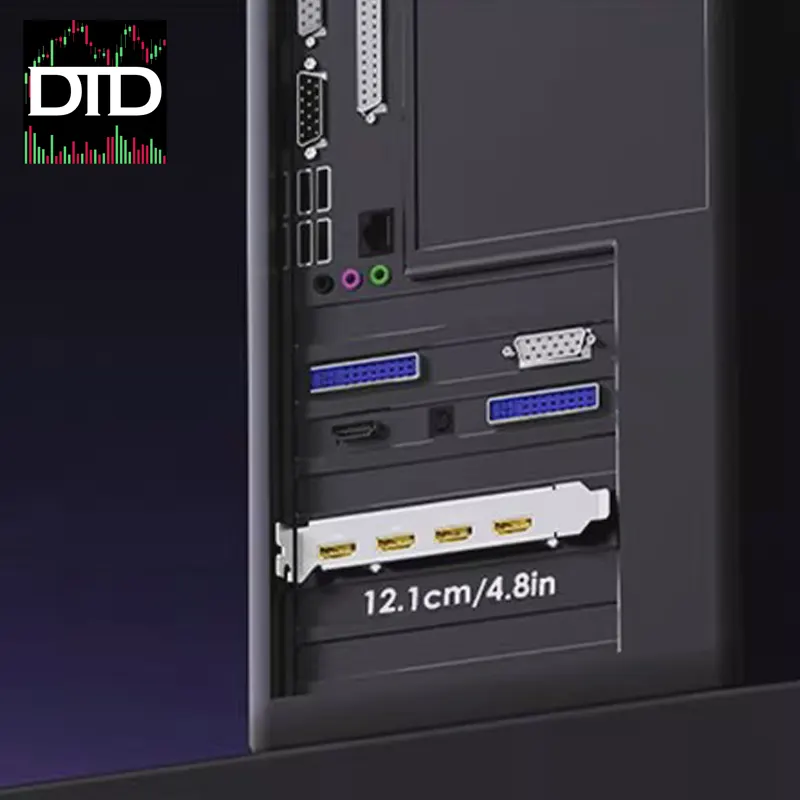
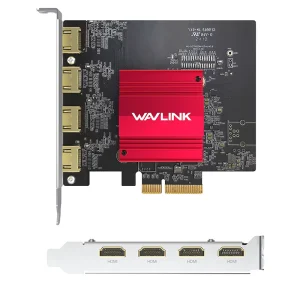
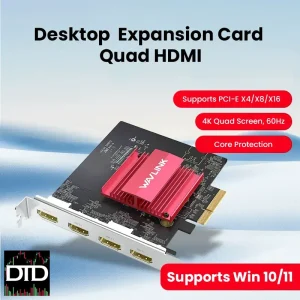
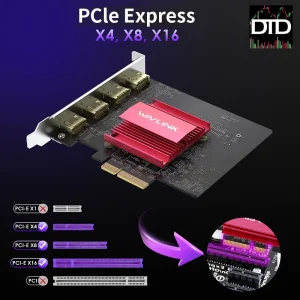
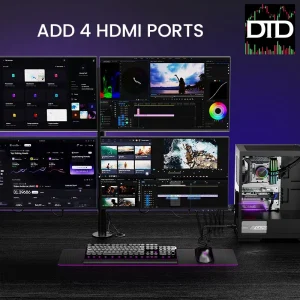
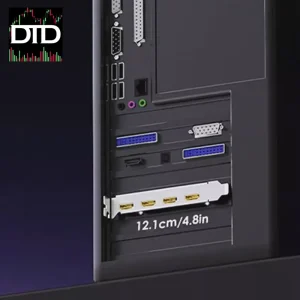
You add up to four extra HDMI screens to a desktop using a single PCIe card. The Wavlink DisplayLink DL7400 PCIe expansion card is a practical way to expand a multi-monitor workstation without stacking adapters and extra boxes on your desk.
This is a driver-based DisplayLink solution. That makes it a good fit for charts, dashboards, research panels, and communication tools in a multi-monitor workstation.
For matching parts, choose screens in Screens & Monitors, keep the layout stable with Desk Arms & Mounts, and add clean leads from Cables & Connectivity.
Key features
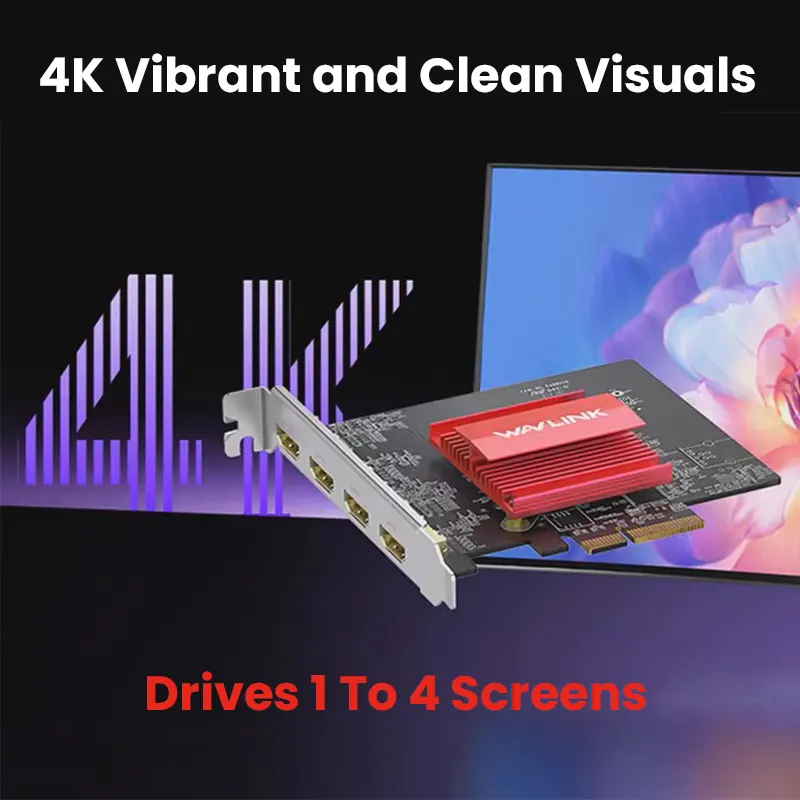
- 4 × HDMI outputs: connect up to four external HDMI displays from one PCIe card.
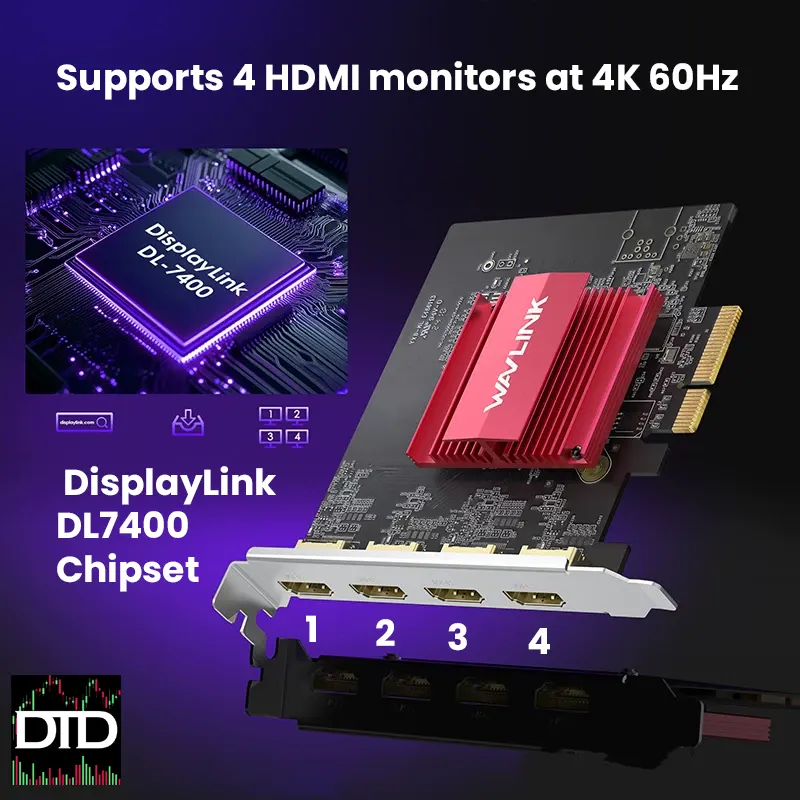
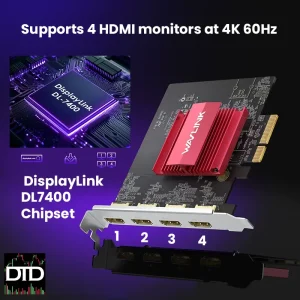
- DisplayLink DL7400 chipset: driver-based multi-screen output designed for productivity workflows.
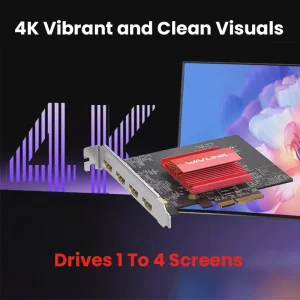
- 4K support: listed to support up to 4K 60Hz output. Real-world results depend on your resolution mix, refresh settings, and system resources.
- Clean desk expansion: one internal PCIe solution instead of multiple adapters hanging off ports.
- Use case fit: multi-monitor workstation, trading desk mount, portable monitor mount, and larger layouts that grow toward a six screen mount.
Why it fits trading desks
If you trade with multiple tools open, screen space is usually the bottleneck. This card makes it easier to keep more windows visible at once.
- More visibility: keep scanners, charts, news, and execution separate instead of stacked.
- More consistency: once your layout is set, it stays predictable in your multi-monitor workstation.
- Pairs with mounts: if you are running a trading desk mount build, it gives you the extra HDMI outputs to actually fill the screens.
Display performance
This is meant for productivity graphics, not gaming.
- Best use: charts, dashboards, browsers, research panels, messaging, office apps.
- Not the target use: high-FPS gaming, color-critical grading, low-latency esports workflows.
- What affects performance: CPU, RAM, and how many high-resolution displays you run at once.
Setup and driver requirement
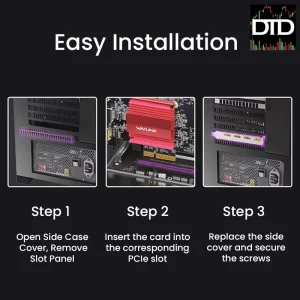
This is a driver-based DisplayLink solution. Install the card, connect your HDMI leads, then install the DisplayLink driver on the PC.
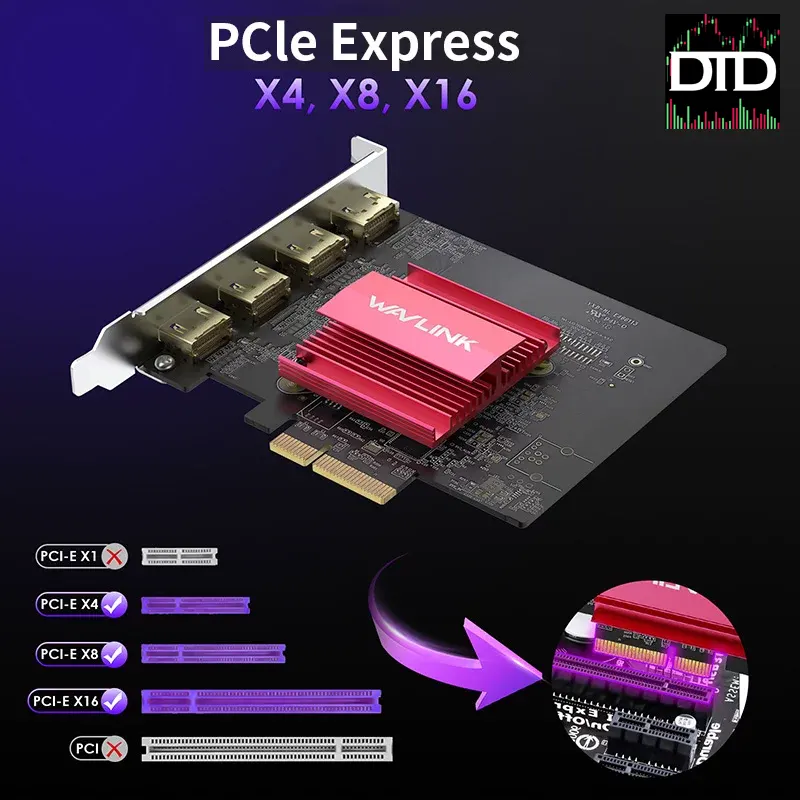
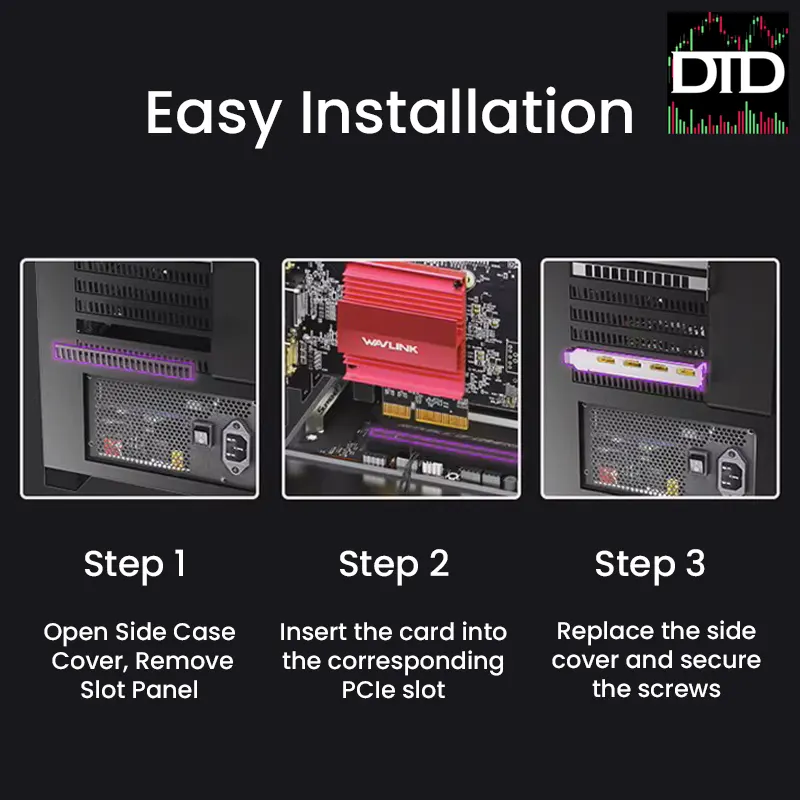
- Step 1: power down the PC and install the card into an available PCIe slot.
- Step 2: boot up and connect up to four HDMI displays.
- Step 3: install the DisplayLink driver, then set display mode to Extend for a proper multi-monitor workstation.
- Step 4: set each monitor resolution and refresh rate to match your layout goals.
Compatibility
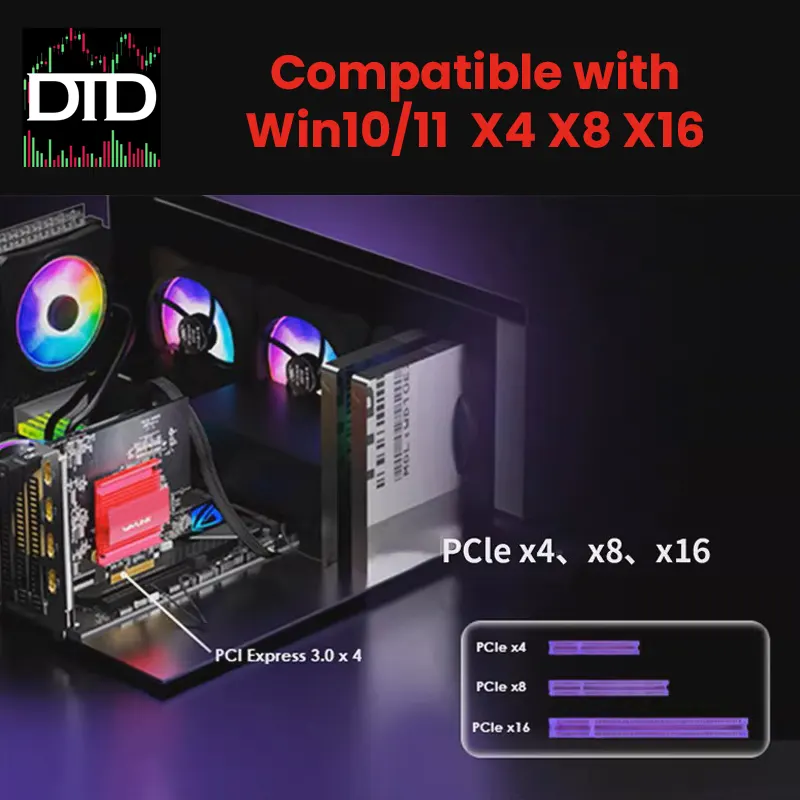
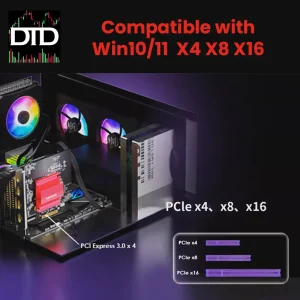
- Windows: Windows 10 and 11 (driver required)
- Linux: Linux support depends on distro and driver availability. Ubuntu is commonly used, but results can vary by version.
Technical specifications
- Product type: PCIe multi-display expansion card (DisplayLink-based)
- Chipset: DisplayLink DL7400
- Video outputs: 4 × HDMI
- Listed max output: up to 4K 60Hz (depends on configuration and system performance)
What’s included
- 1 × Wavlink DisplayLink DL7400 PCIe expansion card
- Driver download instructions
- User manual
Next step
Next step: confirm you have an open PCIe slot, plan how many screens you want to run, then choose the right HDMI lengths from Cables & Connectivity and mount your screens using Desk Arms & Mounts so the desk stays clean in your multi-monitor workstation.