Overview
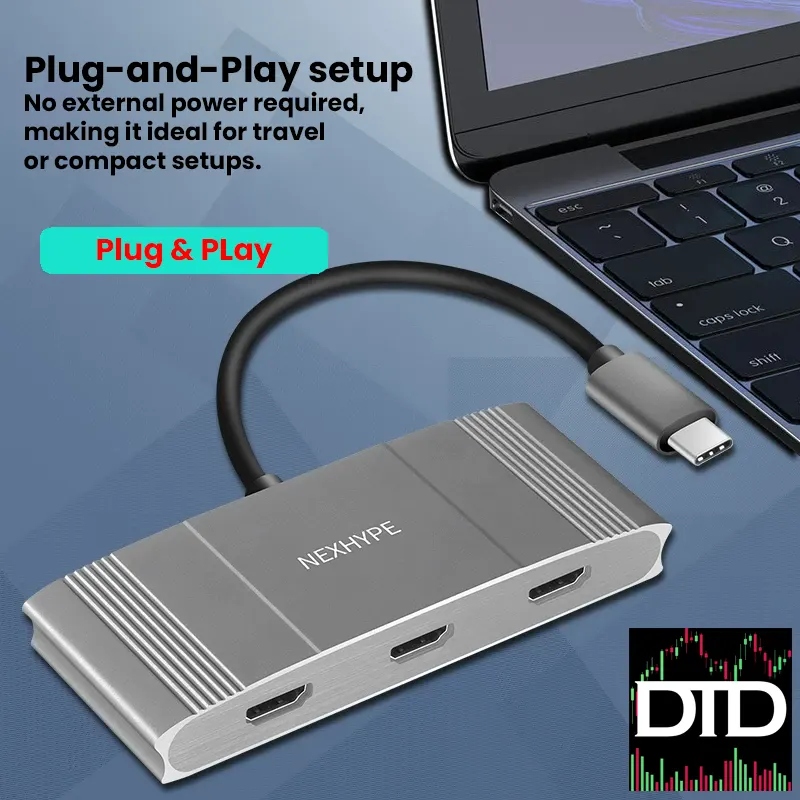
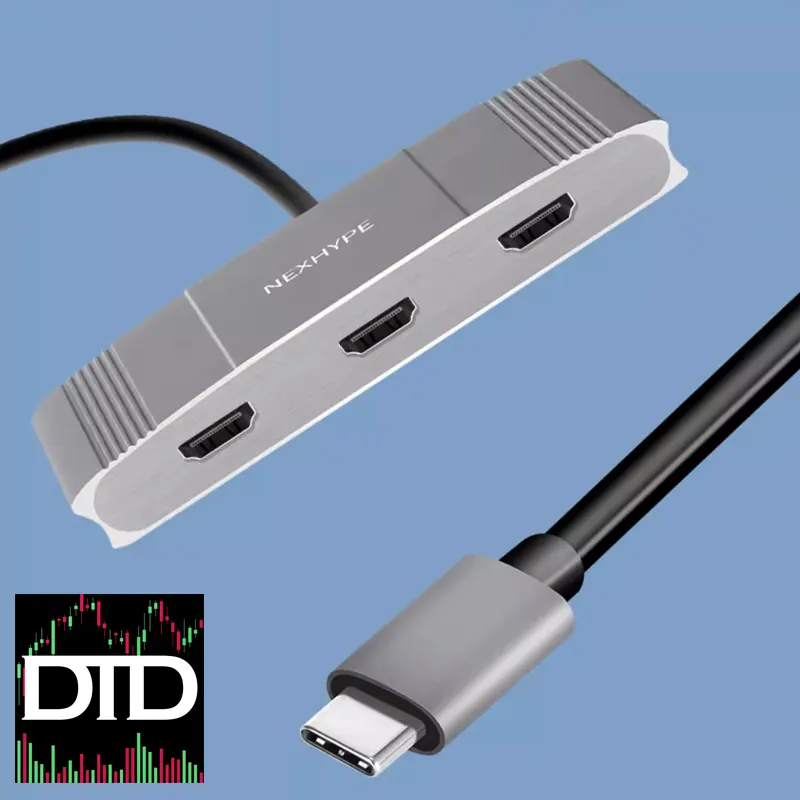
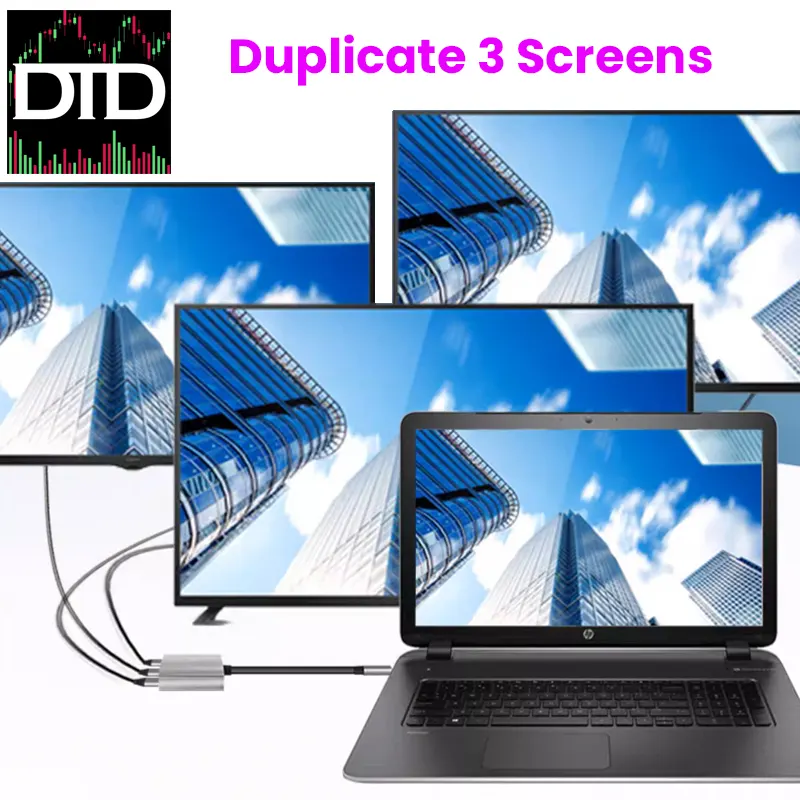
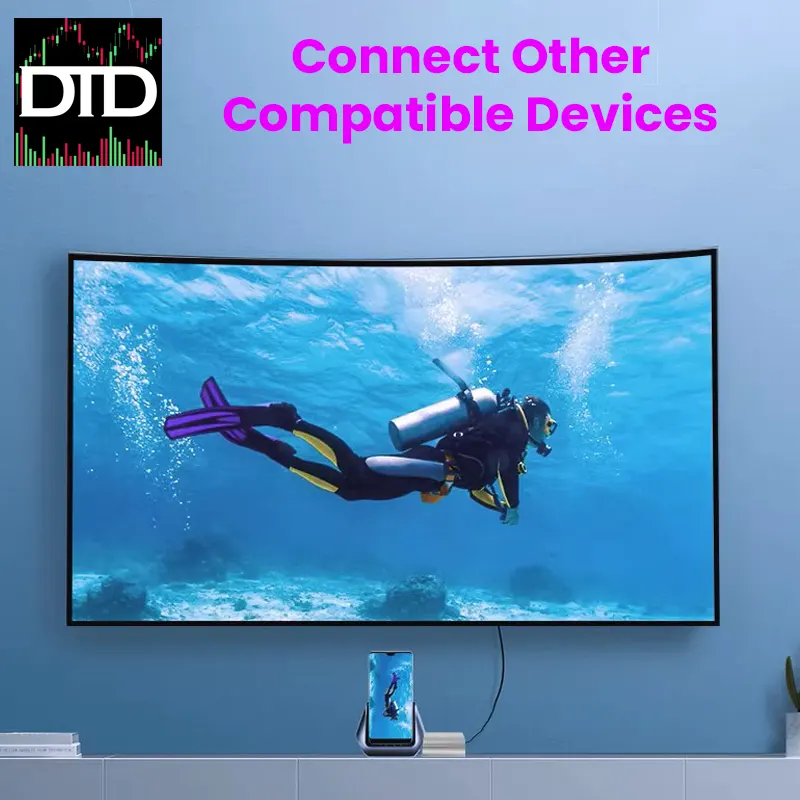
The Nexhype Type-C to 3 HDMI Splitter 4K 60Hz lets you run up to three HDMI screens from one USB-C port.
It is a simple way to expand a multi-monitor workstation without adding a dock or an extra power brick on the desk.
For trading, it gives you space for charts, scanners, news, and execution panels.
For office work, it is just more room to keep tools visible.
If you already use a trading desk mount or a portable monitor mount, this adapter helps you keep screen placement consistent.
It can also fit into a future six screen mount plan when you want to grow your setup.
If you need screens to pair with it, start here.
Screens & Monitors
Key Features
- Three HDMI outputs Run up to three HDMI displays from one USB-C connection
- 4K 60Hz target Built for sharp, readable layouts, final output depends on your device and monitors
- No external power Keeps the setup clean for desk builds and travel kits
- Extend or mirror Choose the layout that fits your workflow, extend is usually best for a multi-monitor workstation
- Compact cable Includes a short lead, listed as about 20 cm
Why It Works for Day Trading
A good trading desk setup is about keeping the layout stable.
This splitter helps you spread your tools across more screens so you stop stacking windows.
Here is a practical example.
Put charts on one screen, scanners on another, and news plus execution on the third.
Leave your main display for your broker platform and alerts.
That is a clean multi-monitor workstation without a full rebuild.
If you are already using a trading desk mount, it is easier to keep screens aligned.
If you are building toward a six screen mount, this can be one step on the way.
Display Performance
This adapter is designed for productivity, charting, and desk workflows.
Your results depend on your laptop or PC, USB-C bandwidth, cables, and monitor settings.
Use good HDMI cables and match resolution and refresh settings across screens.
- Best use Charts, dashboards, research, communication tools, and office workflows
- Modes Mirror or extend, extend is usually the better choice for a multi-monitor workstation
Compatibility Notes
Your USB-C port must support video output.
Look for DisplayPort Alt Mode in your device specs.
If your USB-C port is data only, this adapter will not output video.
Many Windows laptops can extend to multiple screens using MST.
Some macOS setups may mirror screens instead of extending them, especially when the adapter relies on MST.
If you are buying this specifically for three extended displays on a Mac, check your model behavior first.
If you are not sure, check your laptop model details before you order.
Setup Tips
- Confirm your USB-C port supports video output before you buy
- Use extend mode for a cleaner multi-monitor workstation layout
- Plan cable paths first, then lock in screen position if you use a trading desk mount
- Use quality HDMI cables if you are targeting 4K 60Hz
Best Pairings From DayTradeDepot
Specifications
- Input 1 × USB-C (video capable required)
- Outputs 3 × HDMI
- Max target Up to 4K 60Hz on three outputs, depends on host and monitors
- Cable length approx. 20 cm
- Dimensions approx. 10 × 5 × 1 cm
- Weight approx. 100 g
- Power No external power required
What’s in the Box
- 1 × Nexhype Type-C to 3 HDMI Splitter
- 1 × User Manual
Missing info: whether the three HDMI outputs can run three independent extended displays on macOS, supported OS versions, and the exact output combinations when mixing different monitor resolutions.
Next step: confirm your USB-C port supports video output, then add the screens you want and build your layout.