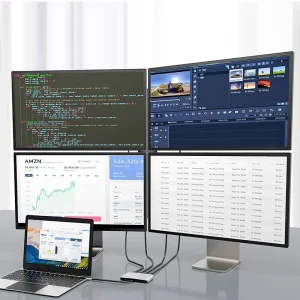
Quad HDMI Adapter – Expand Your Trading Desk Setup
Key features
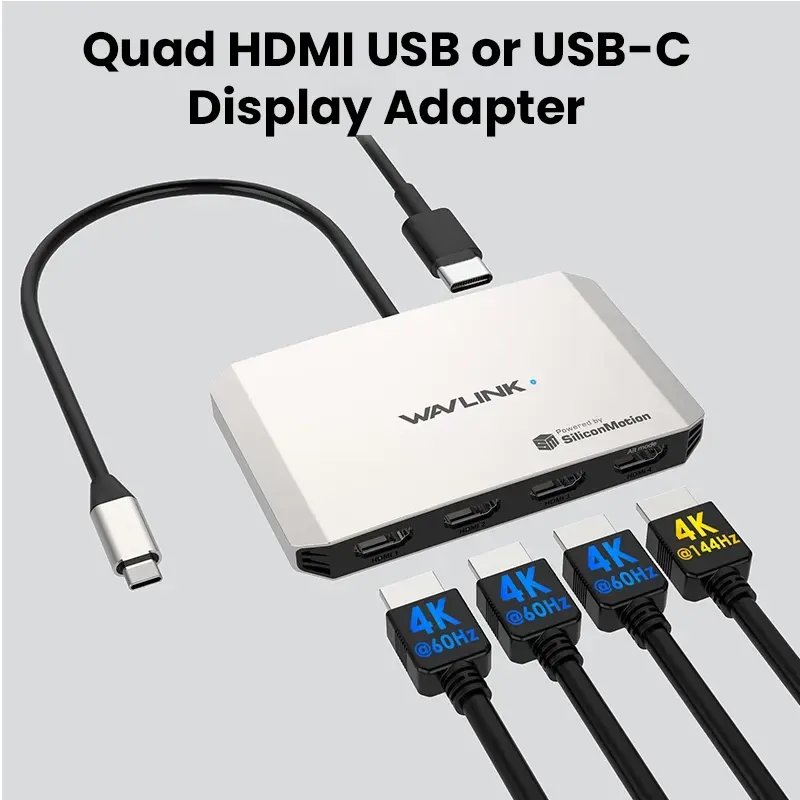
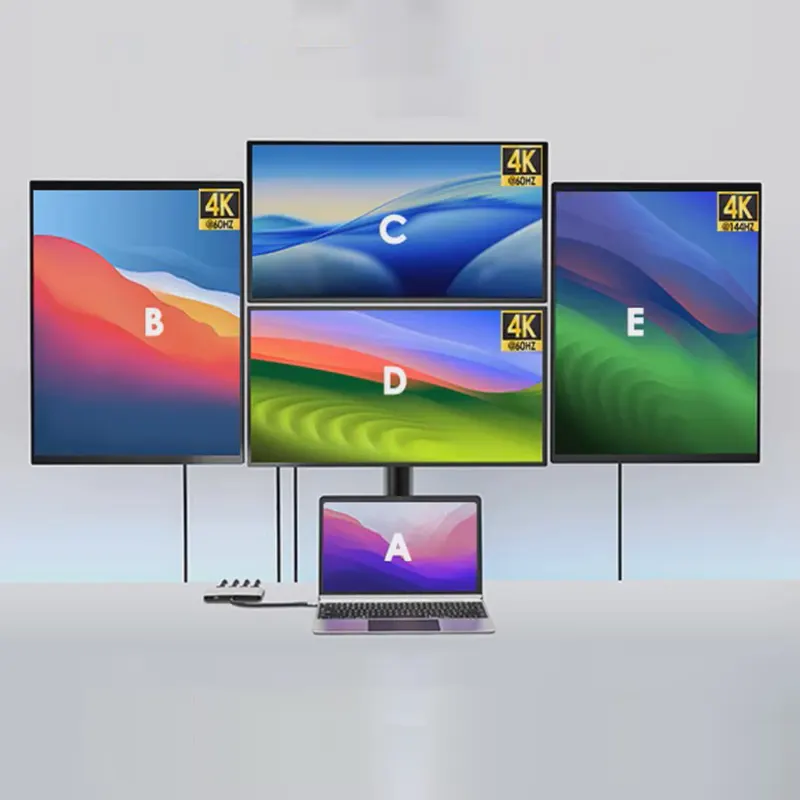
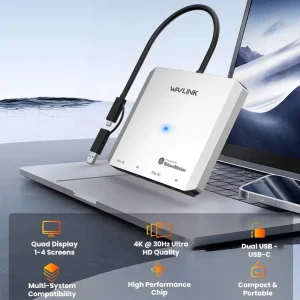
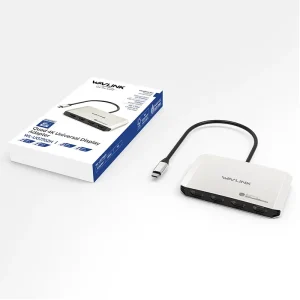
- Quad HDMI adapter: Connect up to four HDMI displays from one host connection using a driver-based system.
- USB-C or USB support: Works through USB-C or USB depending on your computer and cable.
- Productivity‑tuned output: Common setups support 1080p 60Hz. 4K 30Hz is also typical when the monitor mix allows it.
- Built for trading: A practical step for a multi-monitor workstation used for charts, dashboards, scanners, and quick decisions.
Why it fits trading desks
Day trading depends on speed and visibility. A multi-monitor workstation helps you keep several timeframes, scanners, and order or news windows open at once. That reduces scrambling and keeps you organized.
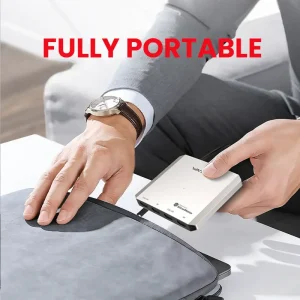
This four‑screen adapter is a practical way to add more screens to a trading desk mount layout without adding multiple bulky devices.
If you plan a bigger layout later, including a six screen mount, this adapter can serve as an expansion piece alongside your main outputs.
Display performance
Designed for desktop apps, charting, and productivity. Typical configurations target 1080p 60Hz across several screens. 4K 30Hz is possible depending on how many displays you connect and what resolution you choose for each screen.
- Best use: Charts, dashboards, research, communication panels
- Not the target use: High‑end 3D gaming workflows
Compatibility and driver requirement
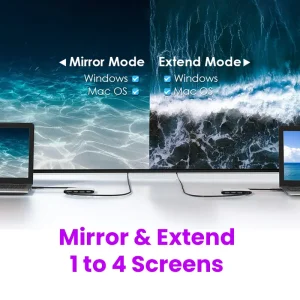
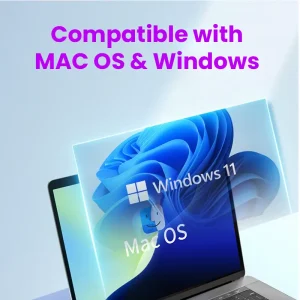
This is a driver‑based USB graphics solution. You must install the required driver on the computer you plug it into. After setup, you can use extend or mirror mode. For a multi-monitor workstation, extended mode is usually the better fit.
- Windows: Windows 10 or Windows 11, driver required
- Mac: macOS 11 and above, driver plus permissions required
Practical note: driver-based USB graphics solutions are commonly offered for Windows and macOS, and installation steps are documented by the software providers.
Technical specifications
- Outputs: 4 × HDMI
- Use case: Four‑screen display adapter for a multi-monitor workstation
- Common resolutions: 1080p 60Hz and 4K 30Hz, depends on configuration
- Fits build paths: trading desk mount, portable monitor mount, and six screen mount layouts
Best pairings from DayTradeDepot
- Desk Arms & Mounts: Keep monitors aligned and stable for chart‑heavy workflows. Browse Desk Arms & Mounts.
- Docks & Adapters: Pair with the right hub or adapter to match your ports. Browse Docks & Adapters.
- Cables & Connectivity: Clean cable runs matter on multi‑screen setups. Browse Cables & Connectivity.
- Screens & Monitors: Match screen size and layout to your workflow. Browse Screens & Monitors.
FAQ
Does it need a driver? Yes. This adapter is driver‑based for multi‑screen output.
Is it good for trading? Yes. It is designed for productivity and multi-monitor workstation workflows, where more screens help keep charts and tools visible.