We’d love to hear from you! Whether you have questions, need assistance, or want to share your feedback, feel free to reach out to us anytime. We are here to help.
Trading gets messy fast when everything is crammed onto one screen. This Screens & Monitors category is here to fix that, with options that help you build a clean, readable multi-monitor workstation. If you want something flexible, a portable monitor is the quickest upgrade. It gives you extra chart space without changing your whole desk. If you travel or swap between locations, a portable monitor for laptop keeps your layout consistent so you are not constantly resizing windows. For many traders, a 15.6 inch portable monitor is the sweet spot because it is large enough for charts but still easy to move.
If you prefer a stable home setup, our desktop monitors give you a bigger main screen for charting, news, scanners, and order entry. This page is built for day traders, swing traders, crypto traders, and anyone who wants more screen space for research and execution, without desk clutter.
Before you buy, check your ports first (USB-C video or HDMI), confirm your screen size will fit your desk, and decide whether you want a portable second screen or a larger main display.
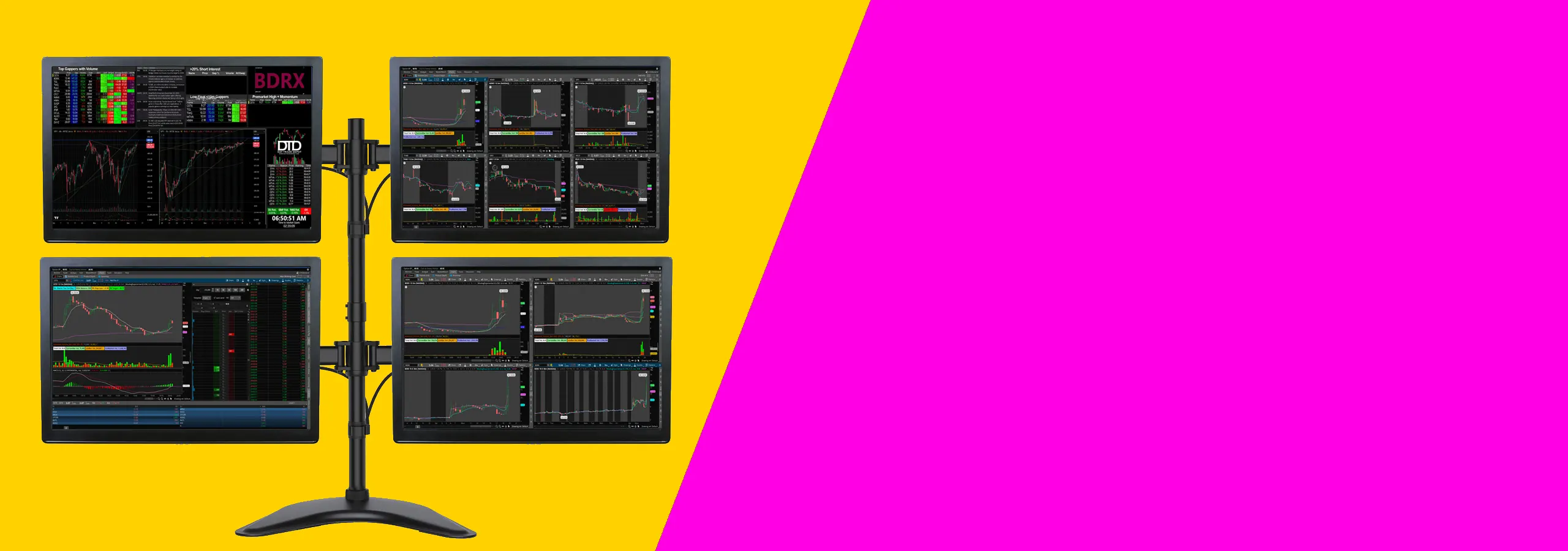
Having the right monitor is crucial for day trading success. With a multi-monitor setup, you can manage multiple data streams, trading platforms, and live charts efficiently. Whether you’re monitoring stocks, forex, or crypto markets, our screens ensure you have the visual clarity and performance you need to stay on top of market changes.
Our monitors support high refresh rates and ultra-fast response times, ensuring that your trading experience is lag-free and responsive. Combine them with monitor stands and mounts to keep your setup tidy and organized for ultimate efficiency.
The ideal size for a day trading monitor is typically between 24″ to 32″ for individual monitors. Larger monitors (like 34″ ultra-wide screens) can help with multiple charts and data feeds. We recommend checking the screen’s resolution (e.g., 1440p or 4K) to ensure clarity in your charts.
Yes, multiple monitors are essential for day trading. Most traders use between 2-6 monitors to track charts, news, watchlists, and trading platforms simultaneously. For a multi-monitor setup, ensure your GPU and desk space can handle multiple connections.
If your laptop supports multiple external monitors via HDMI, DisplayPort, or USB-C, you might not need additional adapters. However, for laptops with limited ports, using a USB to HDMI adapter or a multi-monitor USB-C hub might be necessary for efficient display management.
A refresh rate of at least 60Hz is sufficient for most trading applications, but for fast-paced charting or stock tracking, a 100Hz to 144Hz refresh rate can provide smoother visuals, especially when monitoring multiple data streams in real-time.
Yes! Ultra-wide monitors with a 21:9 aspect ratio are becoming increasingly popular for trading because they provide expansive screen real estate without the need for multiple monitors. They are perfect for multi-timeframe analysis and running trading platforms side by side.
Setting up a multi-monitor trading desk requires a sturdy desk with enough space for your monitors. You’ll also need either monitor stands or mounts to ensure your displays are properly arranged. Be sure to consider cables, power sources, and ensure your computer’s GPU supports multiple monitors.
Click here to track your order in real-time and get updates on delivery status.
Find out about our shipping policies, delivery options, and estimated arrival times.
Looking for quick answers? Browse our frequently asked questions for helpful info.
Need to return or exchange a product? Learn more about our return process here