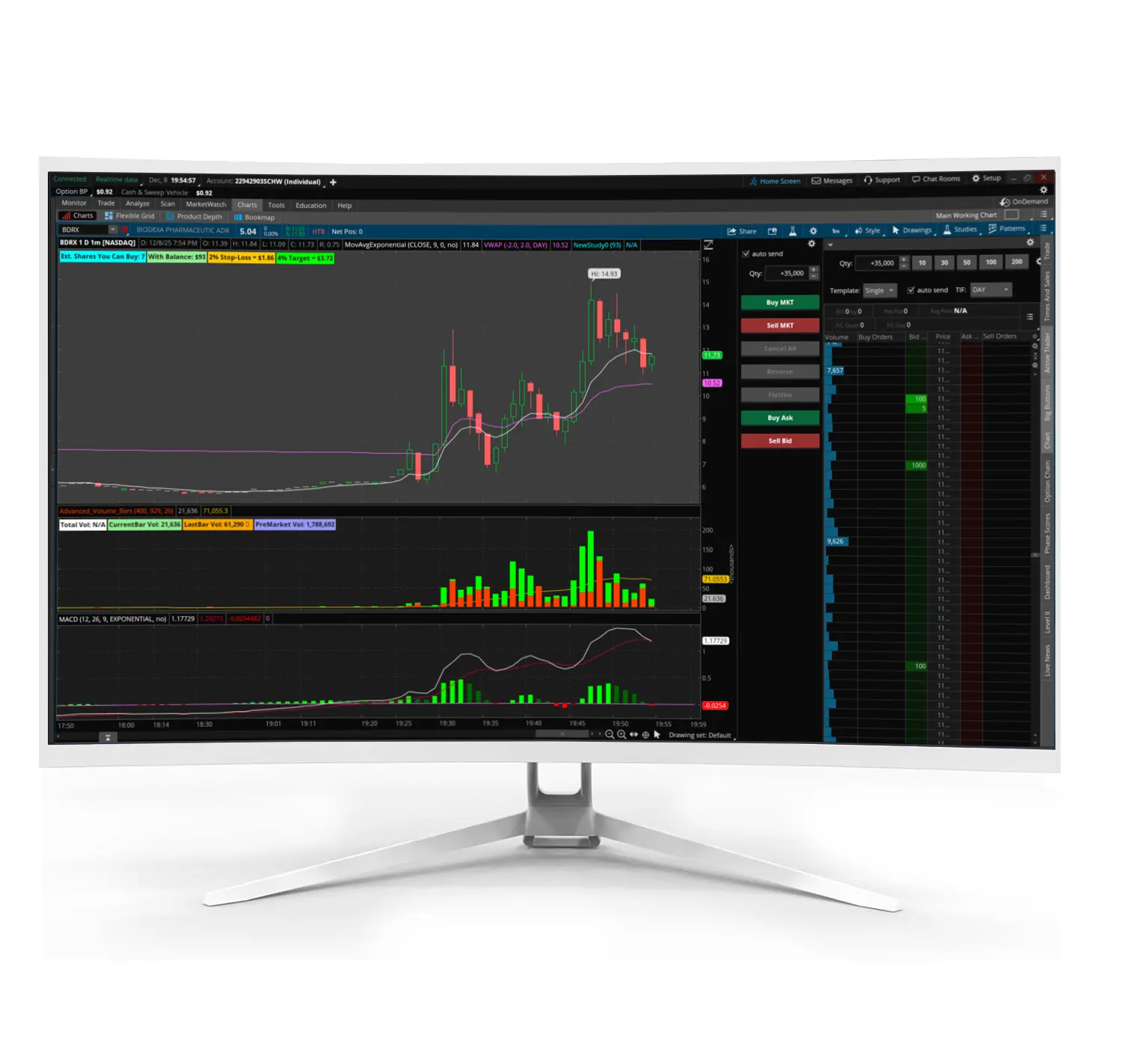
The 34-Inch MX Series Curved Trading Monitor features 3440×1440 QHD resolution, 100Hz / 180Hz refresh rates, and an energy-efficient design, perfect for multi-monitor trading setups and workstations. Enjoy sharp clarity and smooth performance for your trading desk and professional environments.
$600.00
Overview
The 34-Inch MX Series Curved Gaming Monitor is an ultra-wide screen built for long desk sessions.
It gives you a 21:9 layout at 3440×1440, which is a comfortable fit for trading windows, research, and everyday work.
The 1500R curve helps keep the edges easier to see when you sit close, which matters when you are watching charts for hours.
Refresh rate is listed at 100Hz, with an option up to 180Hz on supported setups.
That can make movement feel smoother, especially when you scroll, drag windows, or run fast refresh content.
If you want to compare other display options, start here. Screens & Monitors
Key Features
Ultra-wide resolution 3440×1440 on a 21:9 screen for more usable space
Curved viewing 1500R curvature to help the wide panel feel more natural at desk distance
Refresh rate options Listed 100Hz, with up to 180Hz on supported configurations
Wide viewing angles Listed 178° horizontal and 178° vertical
Ports HDMI 2.1 and DisplayPort 1.4
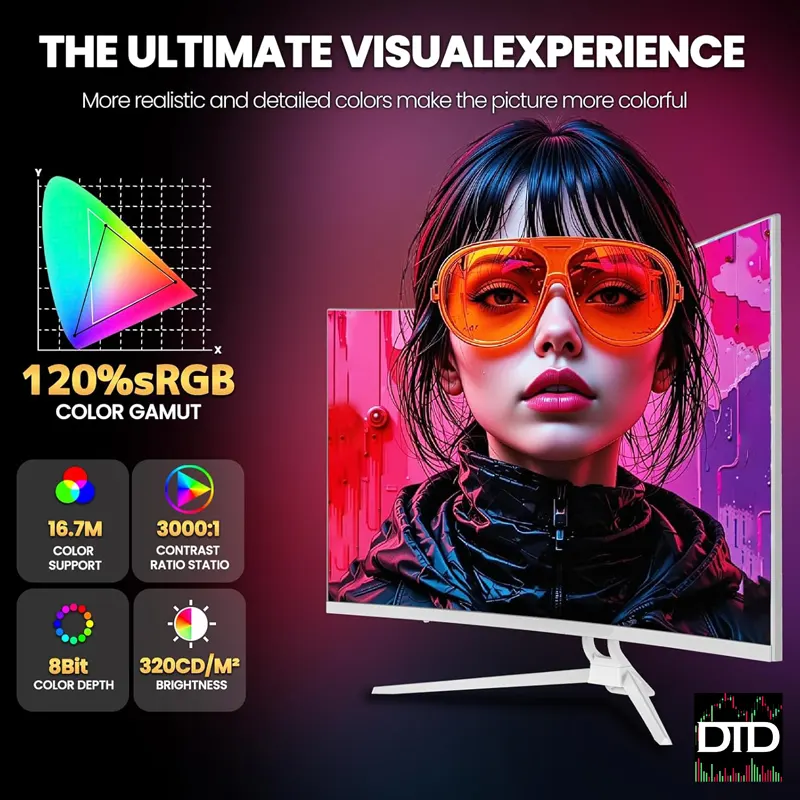
Color coverage Listed 120% sRGB
Why It Fits Trading Desks
A 34-inch ultra-wide can replace a two-screen feeling for a lot of traders.
You can keep a chart layout open on one side and still have room for watchlists, news, and order entry on the other.
It reduces clutter because you are not managing two stands, two power runs, and extra cables.
Here is a simple example.
Charts on the left, scanner and watchlist on the right, and your broker panel anchored along the bottom.
That keeps your tools visible without stacking windows.
If you are building a multi-monitor workstation later, this can still be part of that plan.
Some traders run an ultra-wide as the main screen, then add one vertical screen for time and sales or messaging.
Display Performance Notes
This listing describes a curved ultra-wide panel with a high refresh option.
Your real world experience depends on your GPU, the cable you use, and the mode you select in your display settings.
If you connect through the wrong port or cable, you can end up capped at a lower refresh rate.
If you want smoother motion, use DisplayPort when possible and confirm the refresh rate is set correctly in your system settings.
Specifications
Screen size 34 inches
Resolution 3440×1440
Aspect ratio 21:9
Curvature 1500R
Panel type Curved VA
Refresh rate 100Hz, up to 180Hz listed on supported setups
Brightness 250 cd/m²
Contrast ratio 3000:1
Response time 1ms (as listed)
Viewing angle 178° horizontal, 178° vertical
Color gamut 120% sRGB
Ports HDMI 2.1, DisplayPort 1.4
Mounting holes 75×75mm mounting hole patterns
Customer Reviews
If you are looking at the same listing, it shows 4.4 out of 5 based on 1,281 ratings.
A few common themes mentioned are price value, picture quality, and easy setup.
“Perfect monitor for the perfect price”
“Great monitor for work and casual gaming”
“Awesome picture quality, easy setup”
“Highly recommend for those seeking an affordable curved gaming monitor”
Included in the Box
1 × 34-inch monitor
1 × DisplayPort cable
1 × Stand and base
1 × Power supply
1 × User manual
Shipping and Return Information
Shipping Listed carriers include DHL, FedEx, or UPS, depending on destination
Returns Listed as free returns within 30 days for defects or issues
Best Pairings From DayTradeDepot
Desk arms and mounts If you want a cleaner desk and fixed screen position. Desk Arms & Mounts
Cables and connectivity Make sure your cable choice matches the mode you want to run. Cables & Connectivity
Accessories Small add ons that help with cable routing and desk tidy work. Accessories & Gear
Next step: confirm your preferred connection type, then set the resolution and refresh rate in your display settings to match your workflow.