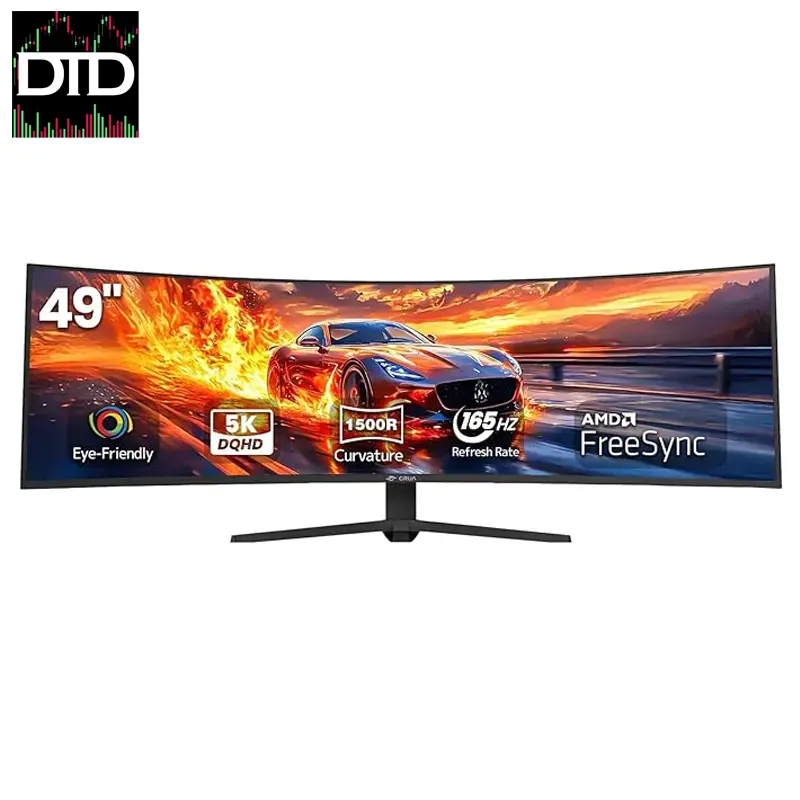
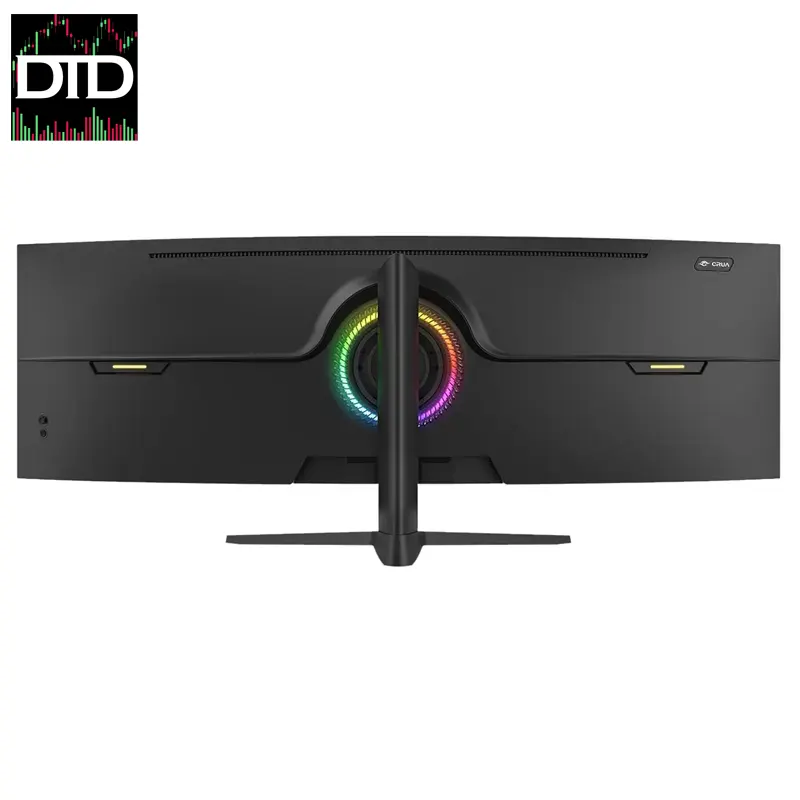
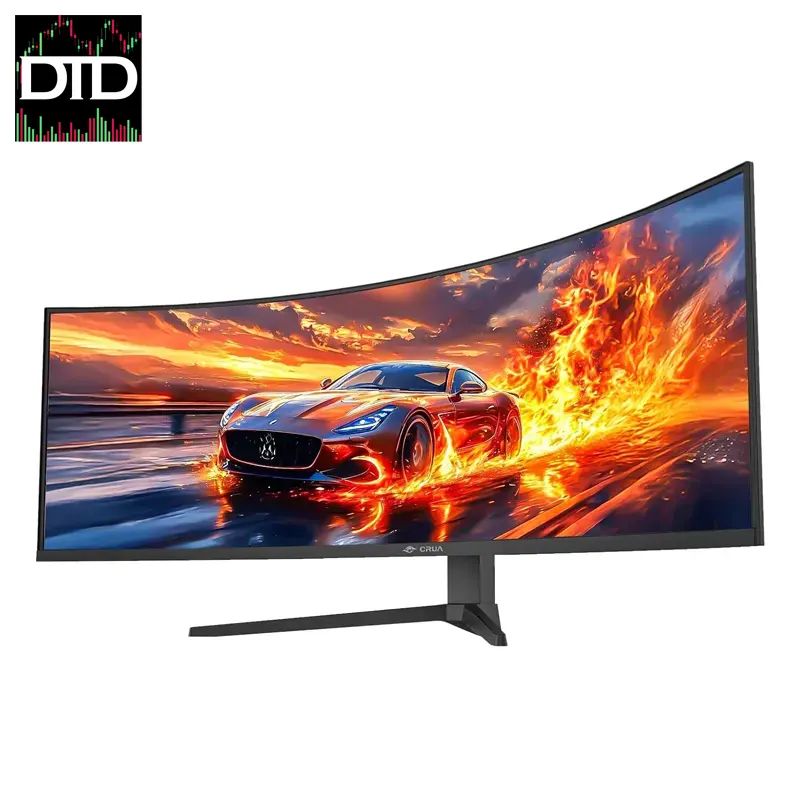
49-inch Curved Gaming Monitor – 5K Ultra-Wide Resolution with HDR
49-inch Ultra-Wide Display with 5K Resolution for exceptional clarity and detail.
144Hz/165Hz Refresh Rate for smooth, lag-free gameplay and professional use.
1500R Curvature for immersive viewing, reducing eye strain during long sessions.
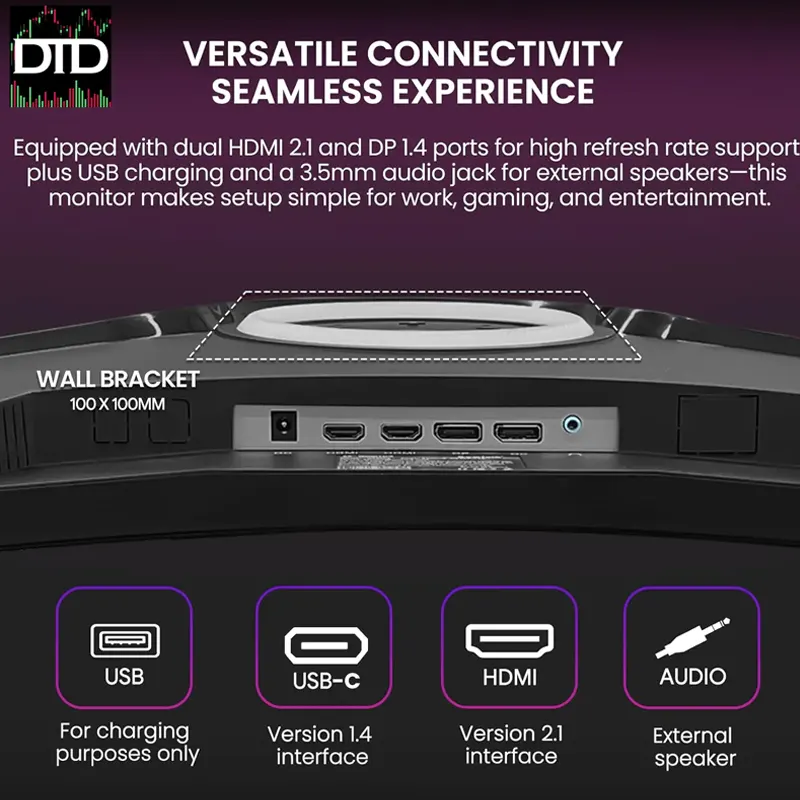
Wide Connectivity with HDMI 2.1, DisplayPort 1.4, and Type-C for versatile connections.
$599.99
Overview
This 49-inch curved ultra-wide monitor gives you one wide workspace instead of two separate screens.
The 32:9 aspect ratio is useful for trading layouts where you want charts, watchlists, news, and order entry visible at the same time.
The 1500R curve helps keep the edges in view during long sessions.
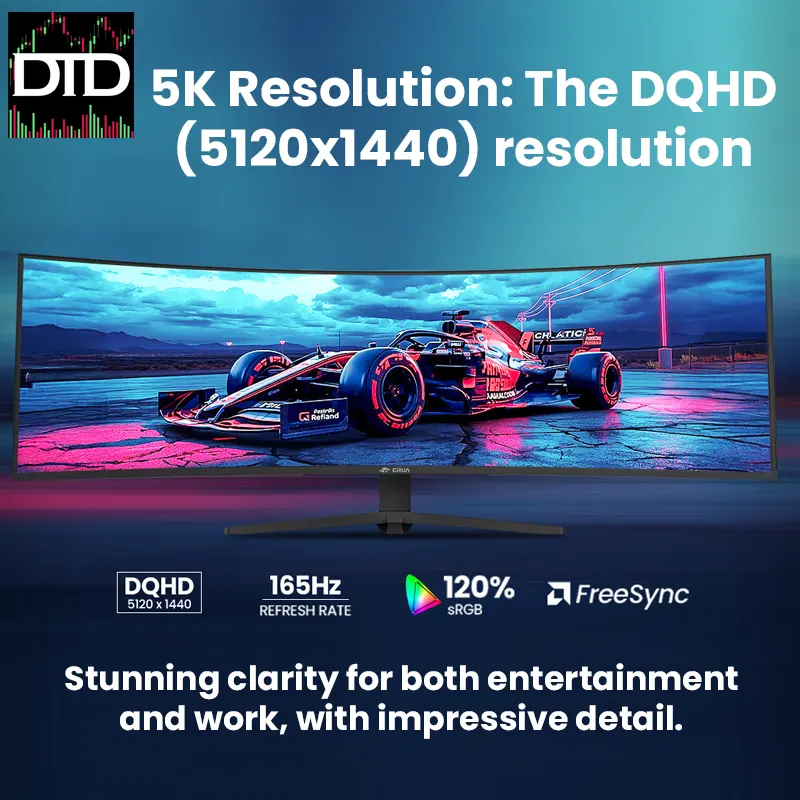
Resolution is 5120×1440, so text and chart lines stay sharp.
Refresh rate is 144Hz, with an option listed up to 165Hz on supported setups.
If you want a clean desk, one wide panel can reduce cable clutter compared to running two monitors.
If you want to compare other screen options, start here. Screens & Monitors
Key Features
49-inch 32:9 ultra-wide One wide workspace that can replace two standard monitors for many layouts
5120×1440 resolution Clear text and detailed charts across the full width
144Hz refresh rate Listed up to 165Hz on supported configurations
1500R curvature Helps keep the left and right edges easier to view
Ports HDMI 2.1, DisplayPort 1.4, USB-C, Audio out
HDR and wide color Listed 120% sRGB and 95% DCI-P3
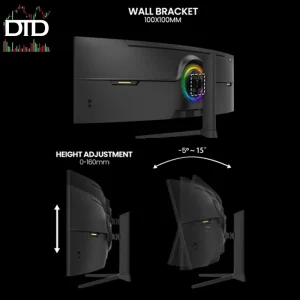
Stand adjustment Height and tilt supported, rotation listed
Mounting holes 100×100mm mounting hole patterns
Why It Fits Trading Desks
This monitor is built for layouts that need a lot of horizontal space.
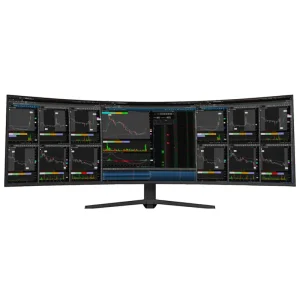
You can keep multiple timeframes open, run a scanner, and still have room for order entry and a watchlist.
That is the main reason traders choose a 49-inch 32:9 panel.
Here is a practical layout example.
Split the screen into three zones.
Charts on the left, scanner and watchlists in the middle, news and execution on the right.
You can see more at once without moving windows around.
If you build around a multi-monitor workstation later, this screen can still fit into the plan.
It can also pair with a trading desk mount layout if you prefer a mounted setup instead of the stock stand.
Easy Setup
Connect with DisplayPort or HDMI for a straightforward setup.
USB-C can be useful for laptop desks if your port supports video output.
After you connect, set the resolution to 5120×1440 and pick your refresh rate in your display settings.
If your desk is tight, plan the cable path before you lock the monitor position.
That keeps the front edge clean and makes later changes easier.
Specifications
Resolution 5120×1440
Aspect ratio 32:9
Curvature 1500R
Panel type IPS
Refresh rate 144Hz, up to 165Hz listed on supported setups
Brightness 350 cd/m²
Color gamut 120% sRGB, 95% DCI-P3
Ports HDMI 2.1, DisplayPort 1.4, USB-C, Audio out
Mounting holes 100×100mm mounting hole patterns
Best Pairings From DayTradeDepot
Desk arms and mounts If you want a mounted setup, start here. Desk Arms & Mounts
Cables and connectivity Choose the right cable type and length for your desk route. Cables & Connectivity
Accessories Small add ons for cable routing and desk tidy work. Accessories & Gear
Missing info: exact model name, response time, HDR spec level, whether USB-C supports power delivery and at what wattage, stand adjustment range, and whether rotation is swivel or full pivot.
Next step: pick your connection type, set 5120×1440 in your display settings, then build your trading layout across the width.