Overview
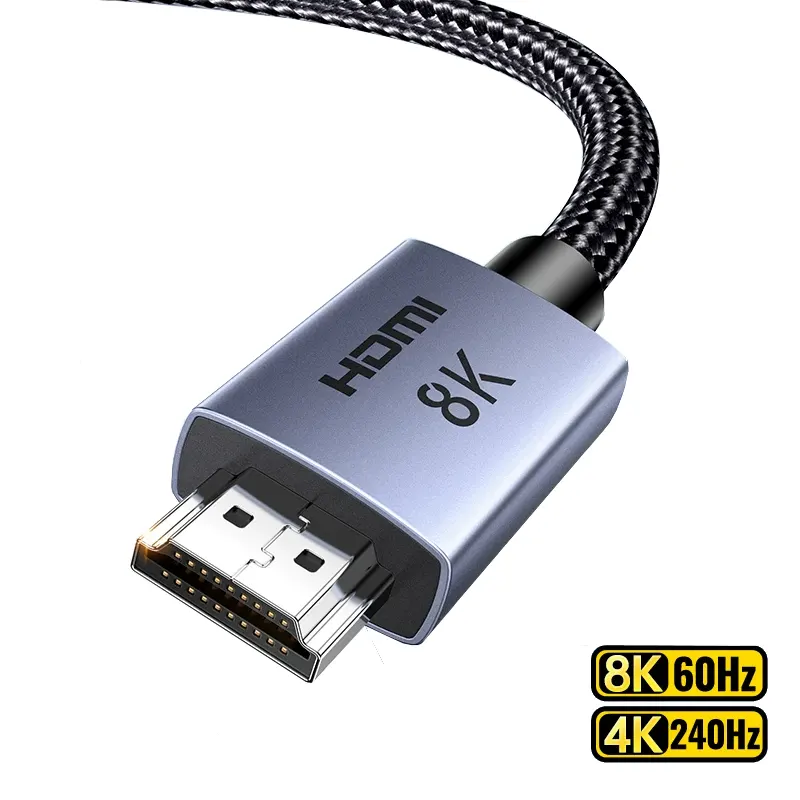
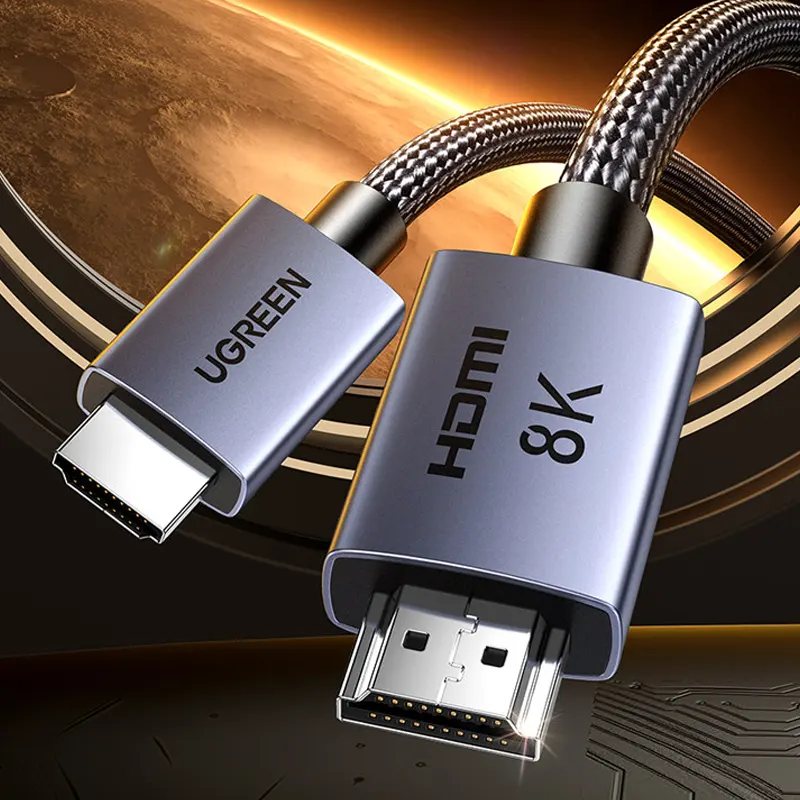
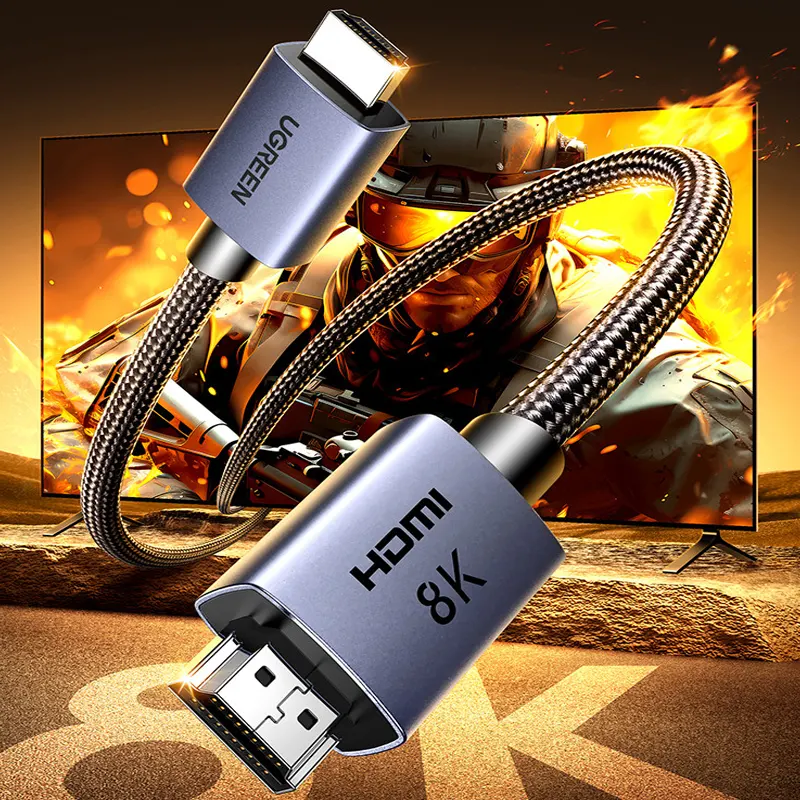
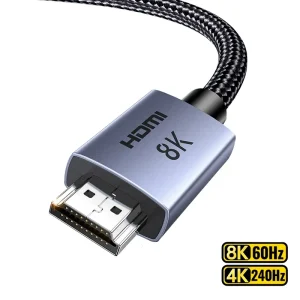
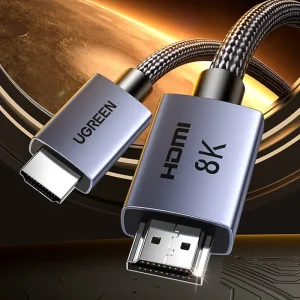
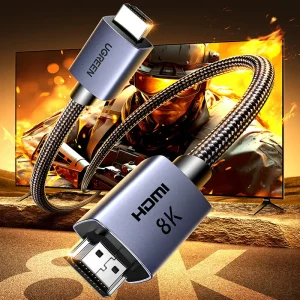
The UGREEN HDMI 2.1 Cable 8K/60Hz with 240Hz Support is made for clean, stable video output in a desk setup.
If your screens support higher resolution or higher refresh, this cable helps you actually use it, instead of guessing why things look soft or capped.
For trading, the main win is consistency.
Charts stay sharp, text stays readable, and you do not get random flicker from a weak cable.
If you are building a multi-monitor workstation or planning a six screen mount later, it is one of those small parts that can save you time.
If you are pairing it with new displays, start here.
Screens & Monitors
Key Features
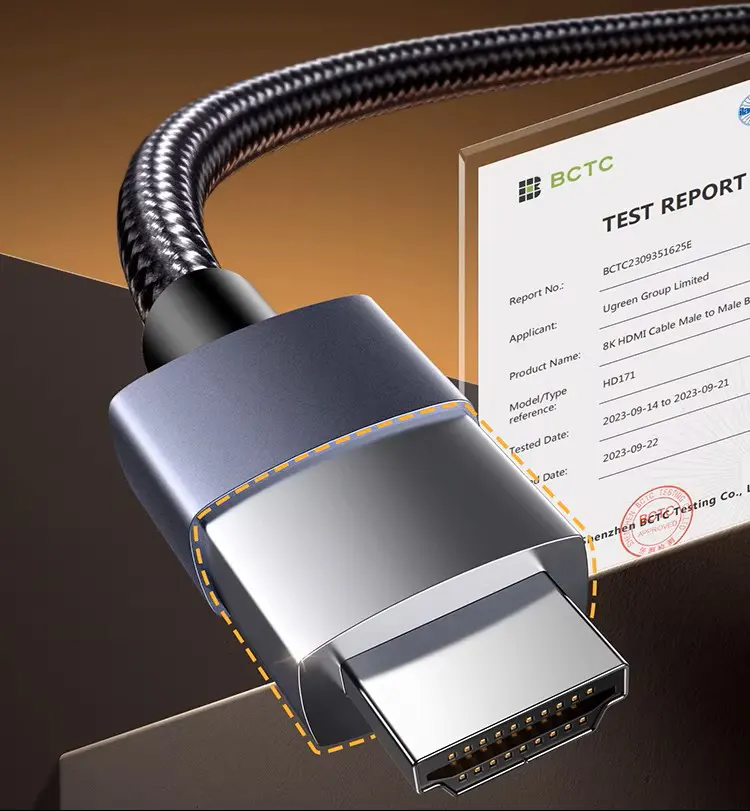
- High resolution support Built to handle 8K 60Hz, 4K 120Hz, and 2K 240Hz on compatible devices
- Higher refresh headroom Useful when you run fast refresh monitors or want smoother motion on supported setups
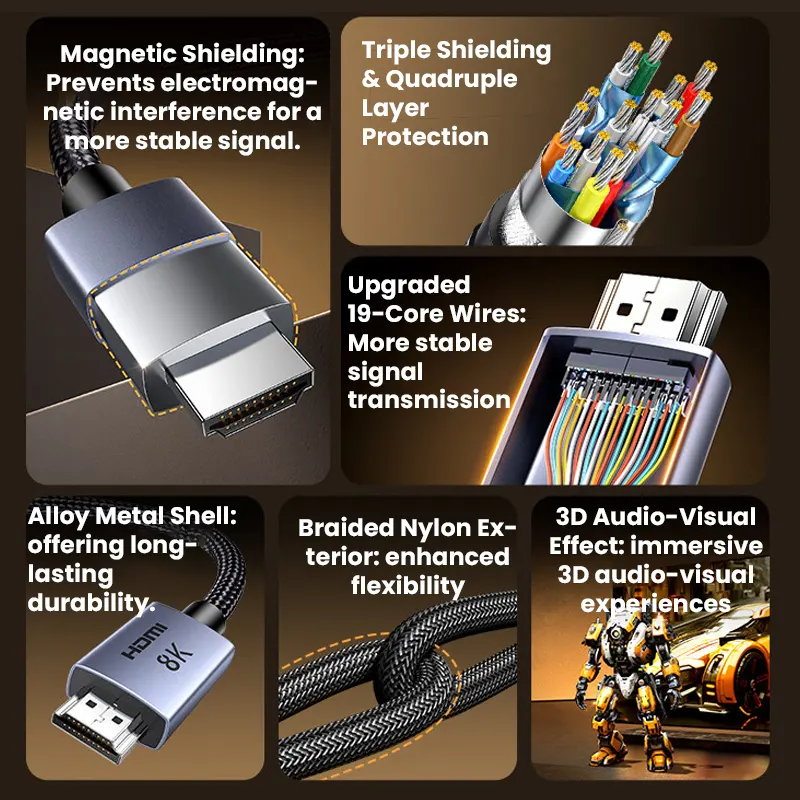
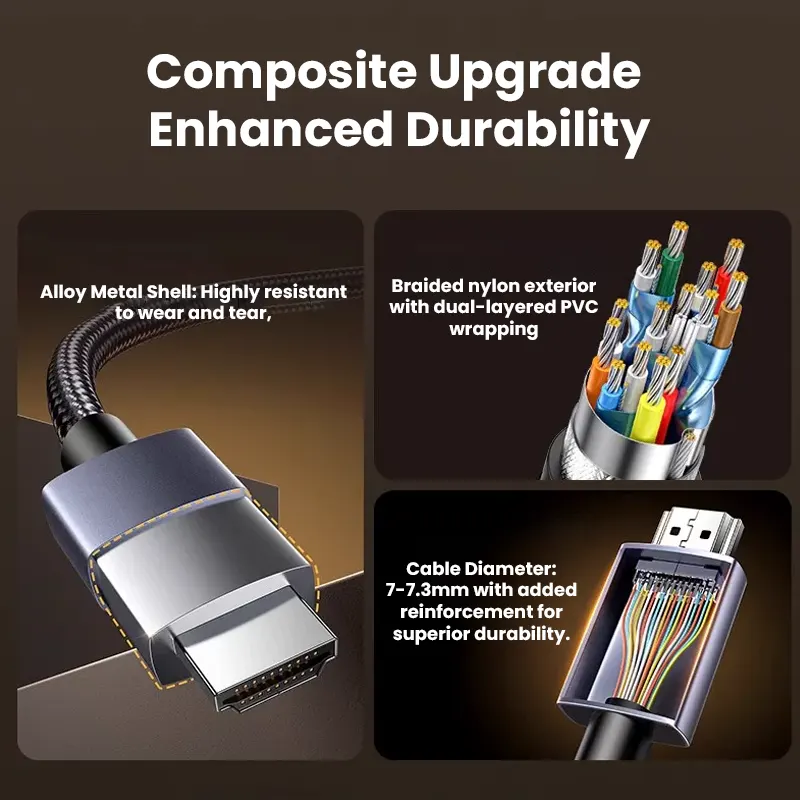
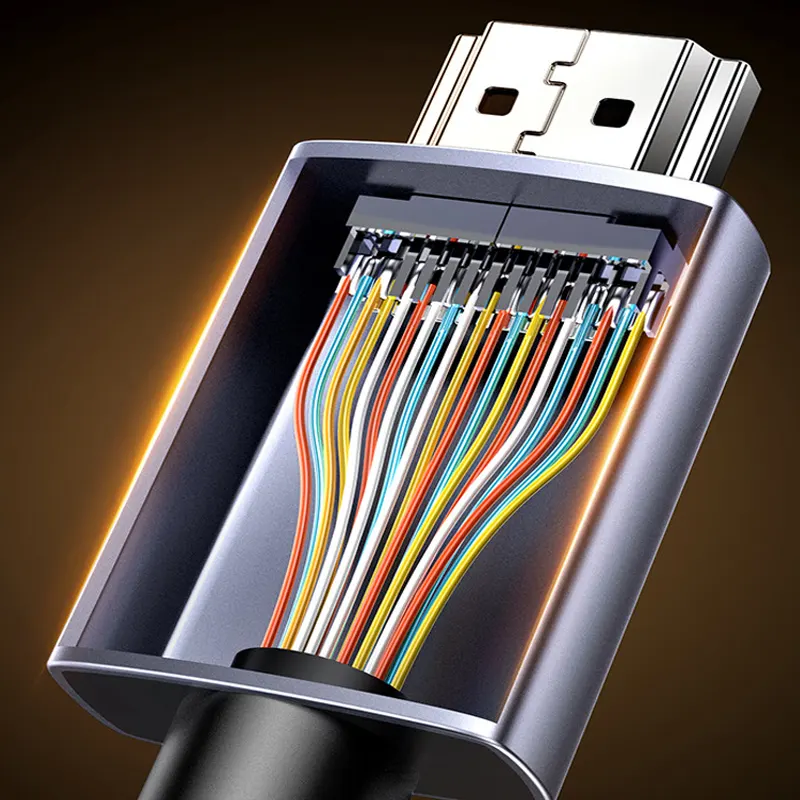
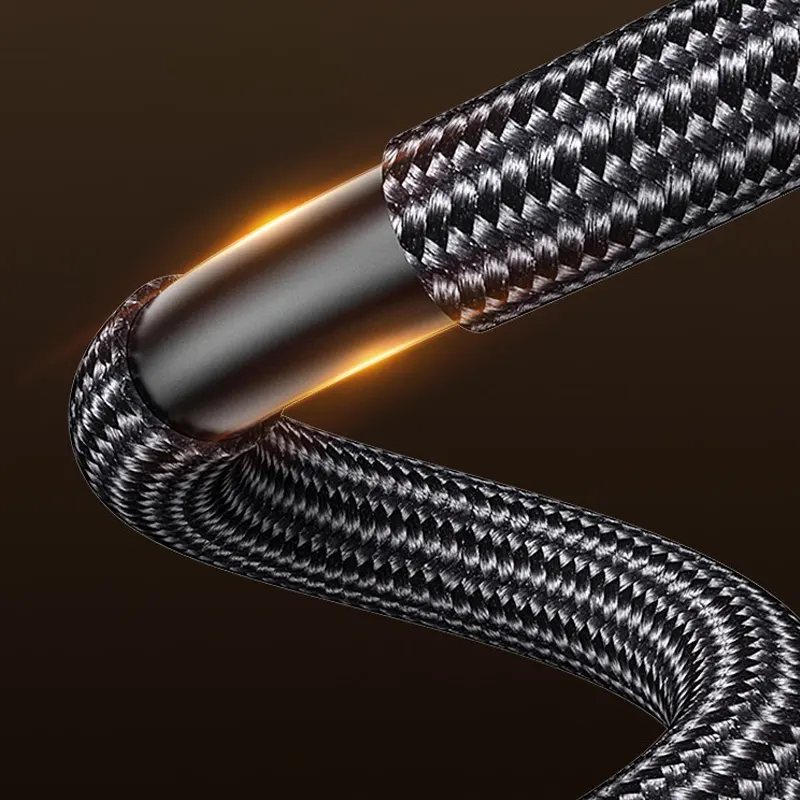
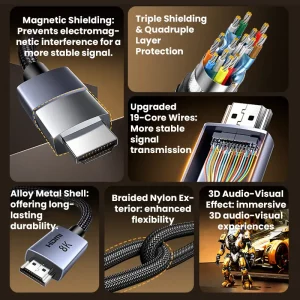
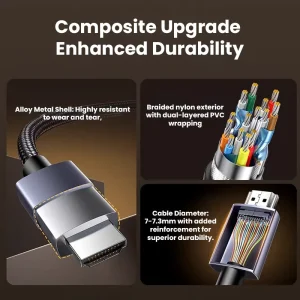
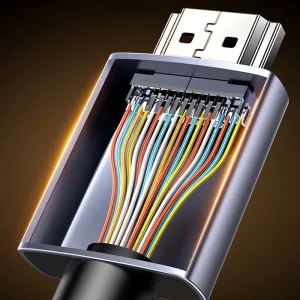
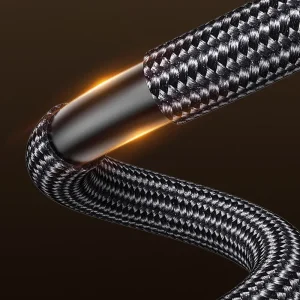
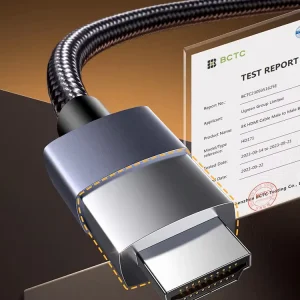
- Solid build Listed with a tinned copper core, gold plated connectors, and a braided exterior for day to day use
- Simple setup Plug it in and it just works, no power brick, no extra steps
Why It Fits Trading Desks
A trading desk is usually a lot of screens and a lot of small text.
A good cable does not make your charts better, but it helps keep your signal clean so your screens run at the settings you expect.
Here is a practical example.
Two 27 inch monitors at 4K 120Hz, plus a third screen for news and messaging.
If one cable in that chain is weak, the whole setup can drop to a lower mode.
This cable is meant to reduce that problem.
If you are using a multi-monitor workstation now, it helps keep your layout stable.
If you are aiming for a six screen mount later, it is the same idea, just more connections to manage.
Easy Setup
Choose a length that fits your cable route, then connect it like any standard HDMI cable.
If your monitors support higher modes, check the display settings after you connect.
Some systems default to a safer mode until you set it.
Specifications
- Resolution and refresh targets 8K 60Hz, 4K 120Hz, 2K 240Hz on compatible devices
- Build Tinned copper core, gold plated connectors, braided exterior
- Length options 0.5m, 1.5m, 2m, 3m, 5m, 8m, 10m, 15m, 20m, 25m
- Compatibility HDMI 2.1 compatible devices, including PCs, consoles, and HDMI 2.1 displays
Best Pairings From DayTradeDepot
- Screens and monitors Match the cable to the screen settings you want to run. Screens & Monitors
- Desk arms and mounts Keep the screens aligned so you are not constantly adjusting. Desk Arms & Mounts
- Cables and connectivity Build a consistent cable kit for your whole desk. Cables & Connectivity
Next step: pick the length that matches your cable route, then set your monitor mode to the resolution and refresh you actually want.