What you get
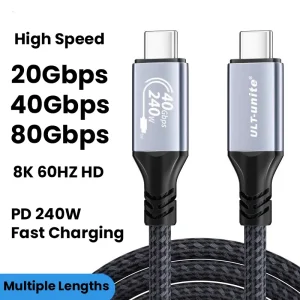
You get a proper Thunderbolt cable that is meant to sit between your laptop and your dock all day, not something you replace after you get random dropouts.
If you run a multi-monitor workstation, the cable is part of the chain. When the chain is weak, you can end up chasing issues that look like a dock problem or a monitor problem, even when it is just the link between them.
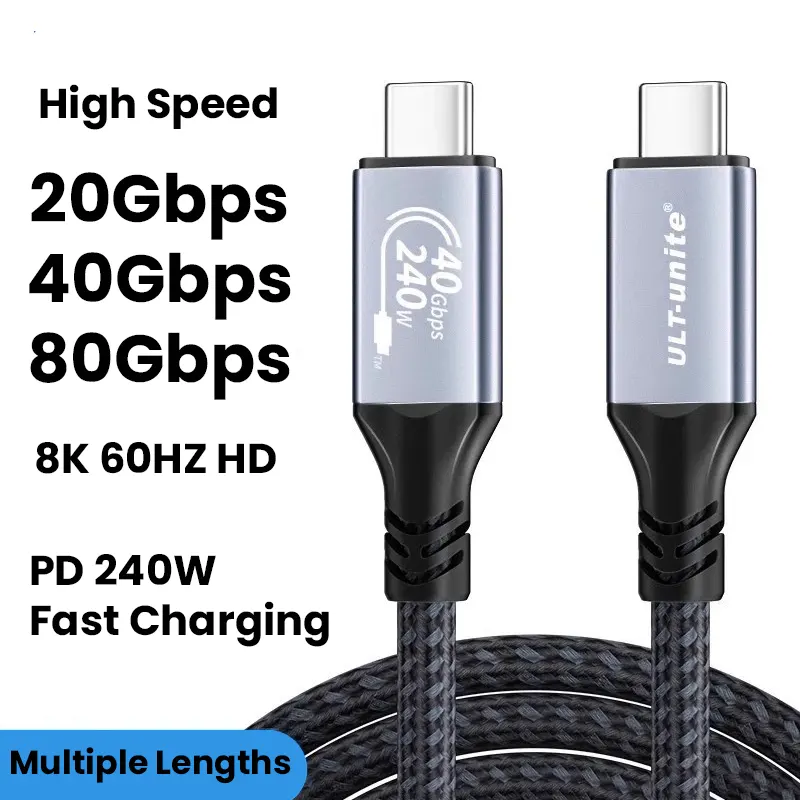
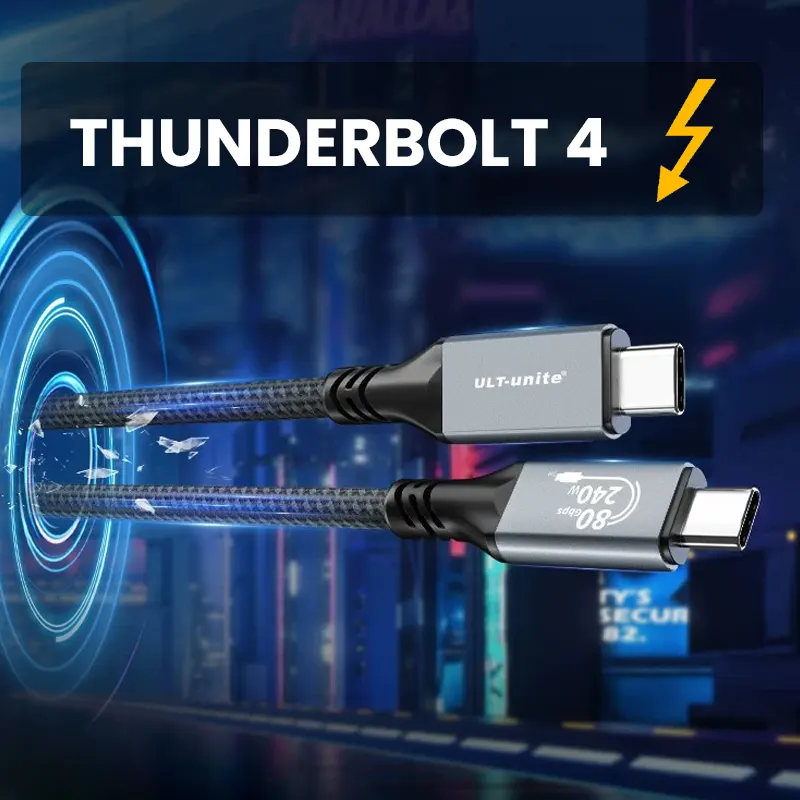
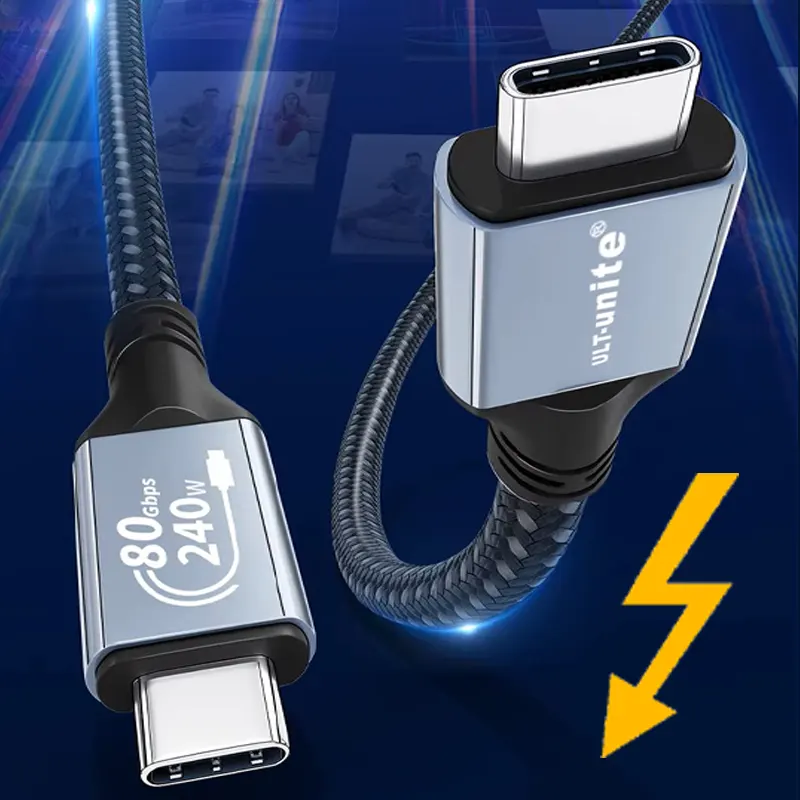
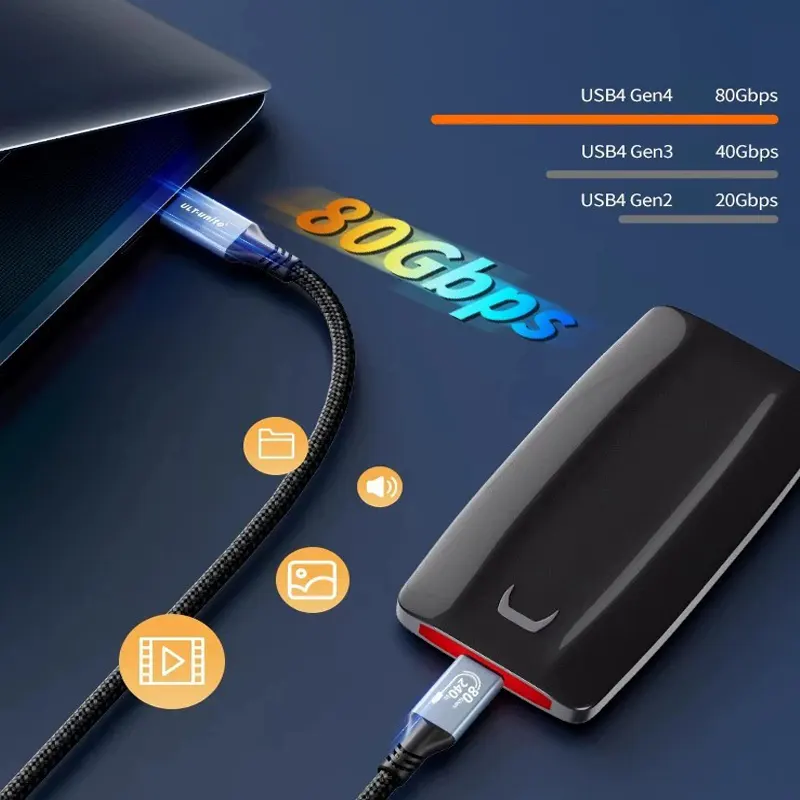
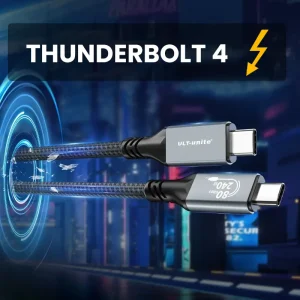
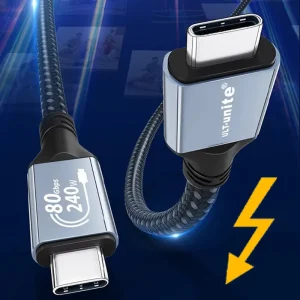
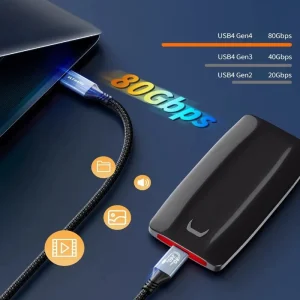
This is a Thunderbolt 4 and USB4 cable for high-bandwidth desks where stability matters.
For matching parts, browse docks in Docks & Adapters, route clean leads from Cables & Connectivity, and pair your screens from Screens & Monitors.
Why it fits trading desks
A trading setup is usually dock-first. You plug in once, then you expect everything to stay steady.
- Fewer weird disconnects: the right cable can reduce the “it worked yesterday” problem
- Cleaner routing: easier to keep your desk tidy around a trading desk mount layout
- Less troubleshooting: you remove one common failure point in a multi-screen chain
It will not fix a bad dock or a flaky USB-C port, but it can stop the cable being the weak link.
Thunderbolt 4 for multi-screen workflows
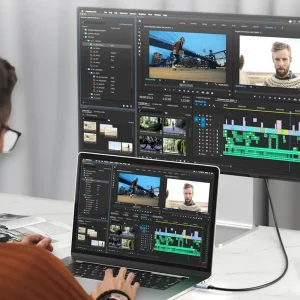
If you are building a multi-monitor workstation around a Thunderbolt dock, the cable choice can be the difference between smooth performance and inconsistent behavior.
Thunderbolt 4 is designed for high-bandwidth data and display workflows, but the real-world result is still device-dependent. Your laptop, dock, and displays decide how many screens you can drive and at what resolutions.
If your system supports it, this can also be used for Thunderbolt daisy-chain workflows. That can matter in bigger builds because it keeps the setup cleaner and reduces clutter around a six screen mount plan.
240W power delivery for cleaner setups
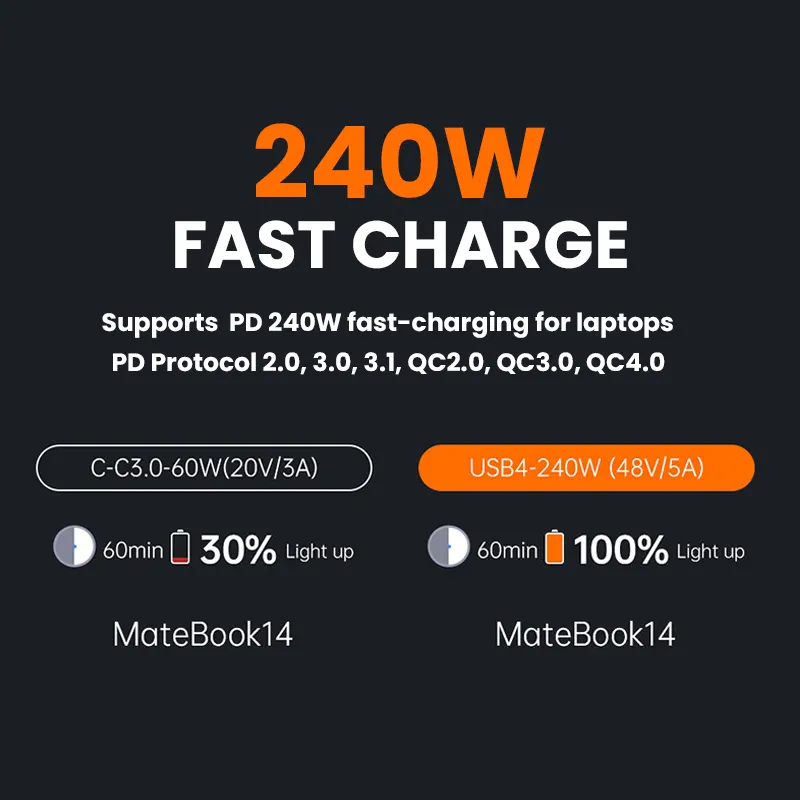
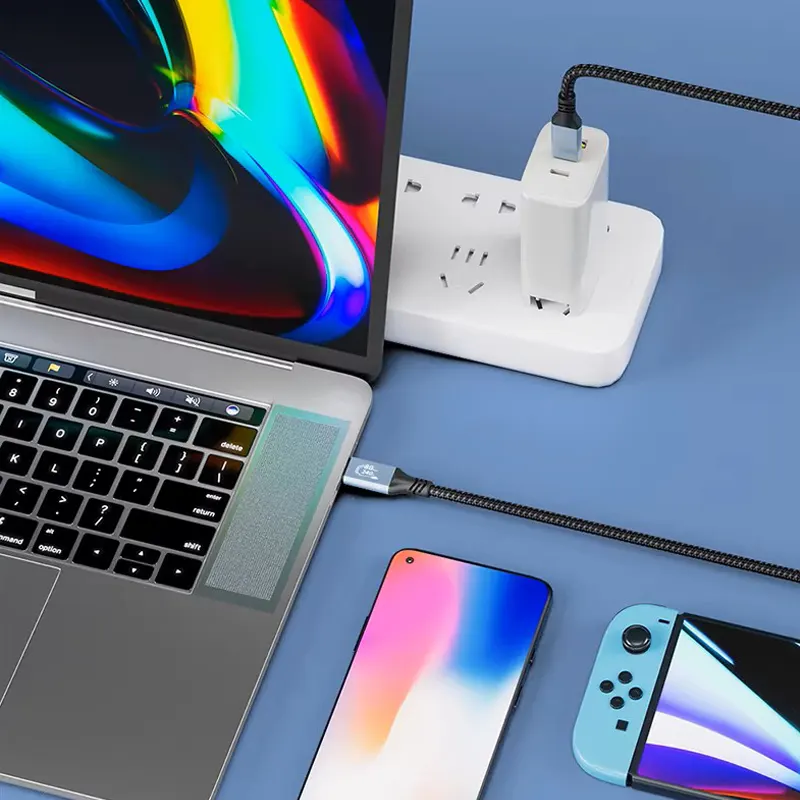
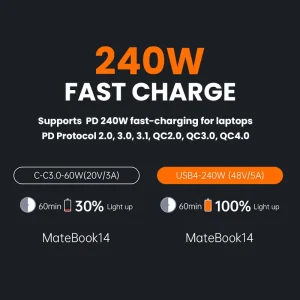
This cable is listed as supporting up to 240W (PD 3.1). In the right setup, that can reduce extra chargers on the desk and keep the power path simpler.
Practical note: your laptop and charger still control what actually gets delivered. The cable rating is only one part of it.
High-resolution video support (device-dependent)
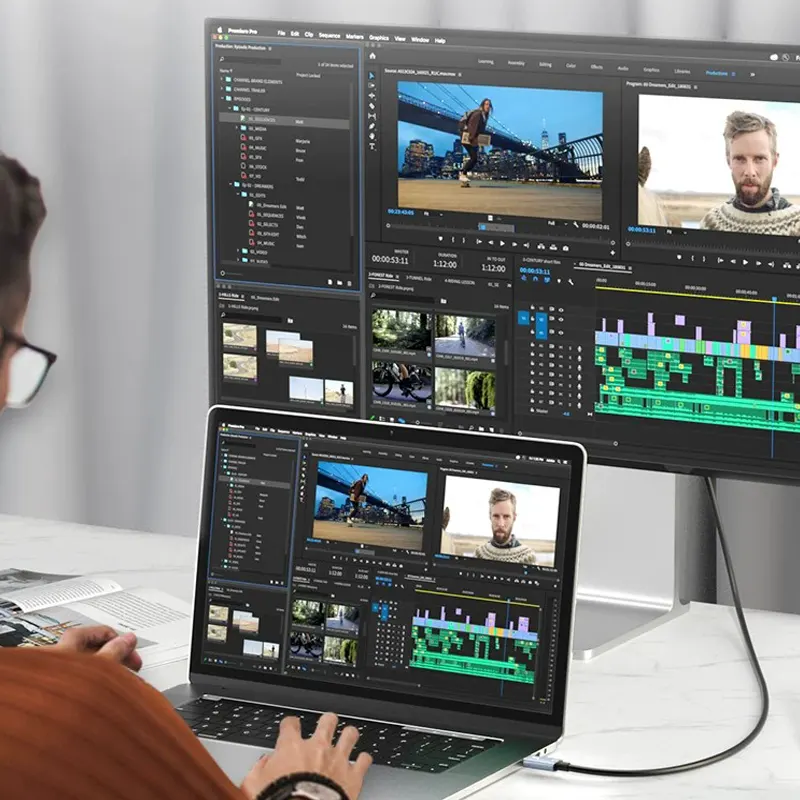
When your laptop, dock, and monitors support it, this cable can carry high-resolution output, including 8K workflows. Dual 4K setups are also common on capable systems.
This is mainly about headroom. If you are running multiple charts across displays, you want the link between laptop and dock to keep up with the workload.
E-marker chip for safe high-power delivery
An integrated E-marker chip helps devices negotiate power correctly, which matters more when you are using higher-wattage charging and a dock at the same time. It is one of those features you do not notice, until you use a cable without it.
Durability for daily plug and unplug
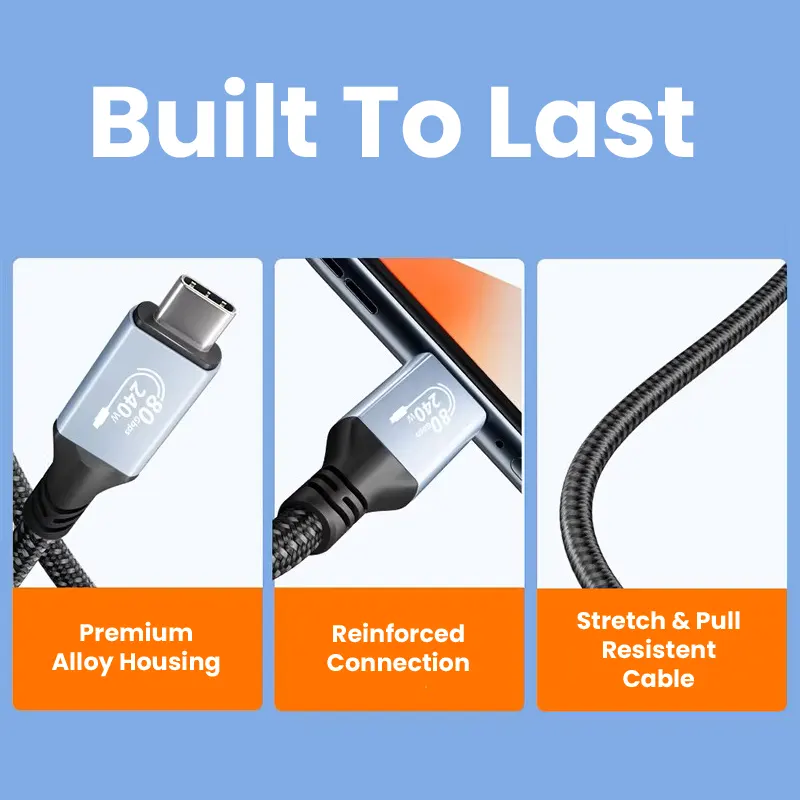
- Braided nylon jacket for abrasion resistance
- Alloy connector housing for a more solid feel
- Reinforced strain relief to reduce fraying at the connector
Important compatibility notes
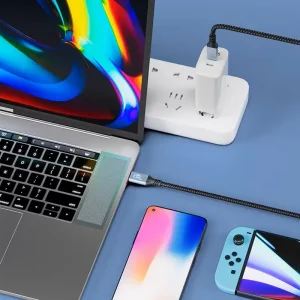
This cable will work as a standard USB-C cable for basic charging and data. To get the full benefits of Thunderbolt 4 and USB4, your computer and dock must support those features.
If your system is not Thunderbolt and USB4 capable, it may still charge and transfer data, but you should not expect Thunderbolt-class multi-monitor behavior.
Also, cable length can matter. Longer runs can be more picky on some desks, especially with high-resolution displays and busy docks.
Key specs
- Type: Thunderbolt 4 cable and USB4 cable, full-function power plus data plus audio and video
- Max power rating: up to 240W, PD 3.1
- Video: supports high-resolution output on supported systems, including 8K workflows
- Use case fit: multi-monitor workstation, trading desk mount, six screen mount, portable monitor mount
- Jacket: braided nylon
- Warranty: 1 year
Package includes
- 1 × Thunderbolt 4 cable (USB4), length as selected
FAQ
Is this only for trading? No. It is just written for trading desks because traders care about stable docks, clean routing, and consistent multi-screen behavior in a multi-monitor workstation.
Will it still work if my laptop is not Thunderbolt-compatible? It should still behave like a normal USB-C cable for charging and basic data. You will not get full Thunderbolt 4 and USB4 benefits unless the host device and dock support those features.
Do I need a special dock? For multi-monitor output through one cable, you typically need a Thunderbolt 4 or USB4-capable laptop and a compatible dock. That is why many traders pair a Thunderbolt cable with a dock from Docks & Adapters in a multi-monitor workstation.